Setting up PHP Point Of Sale with Woocommerce

You can follow the steps at:
You can follow the steps at WooCommerce’s web site
Setting up PHP Point Of Sale to communicate with WooCommerce is easy. It involves 2 steps.
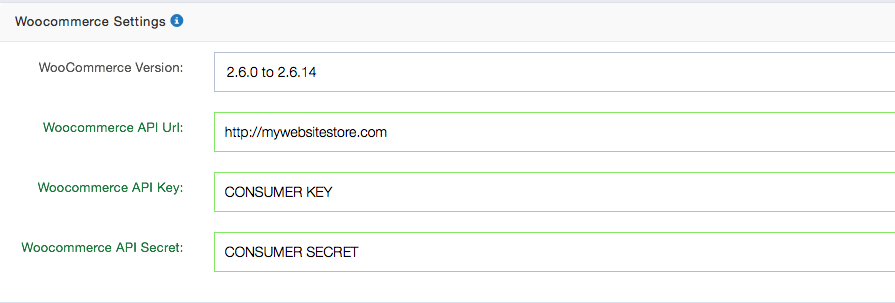
See the WooCommerce Documentation on generating an API key for the REST API.
In the last step you generated your API keys for WooCommerce; now you need to put this information into PHP Point Of Sale. Here are the steps.
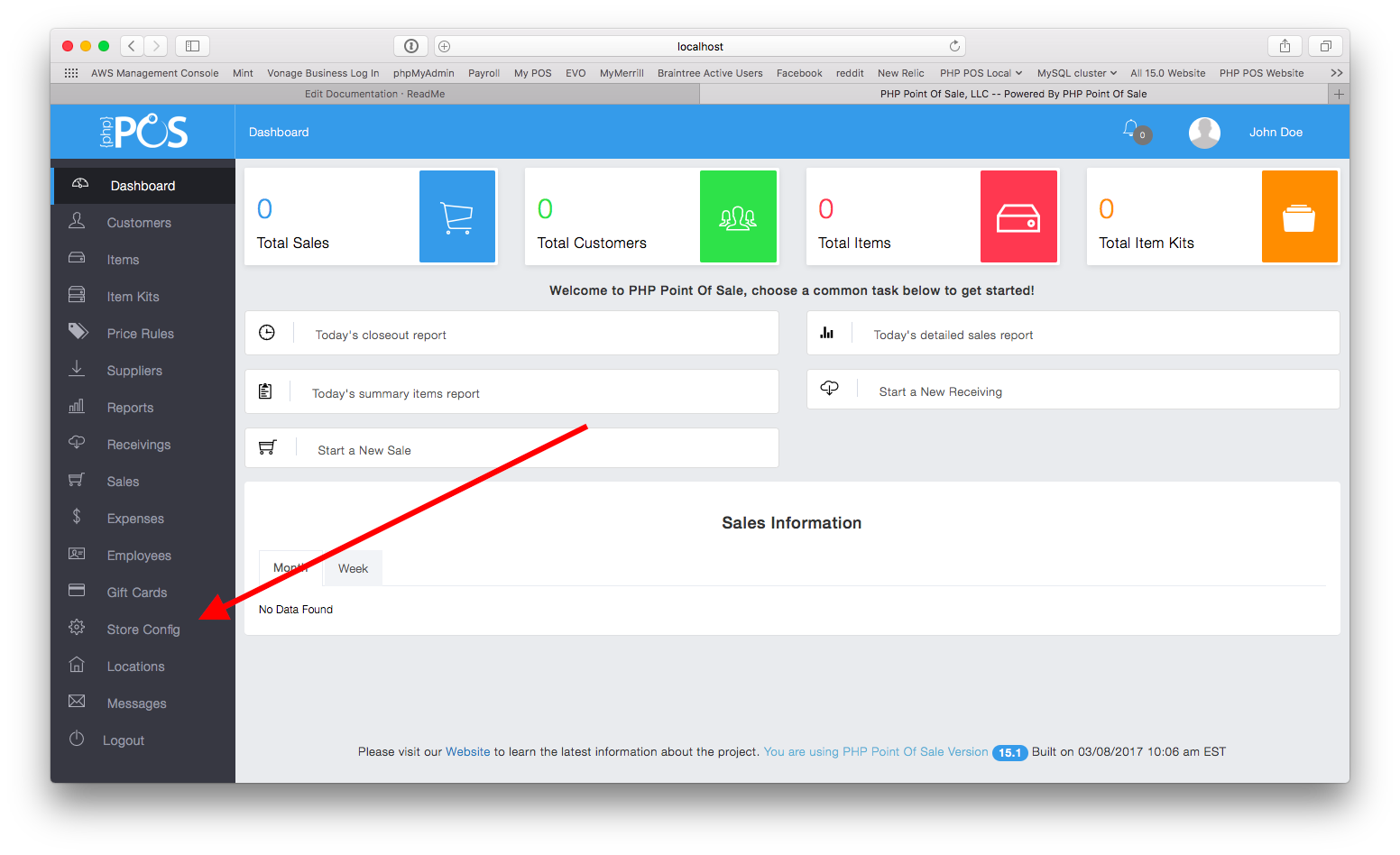
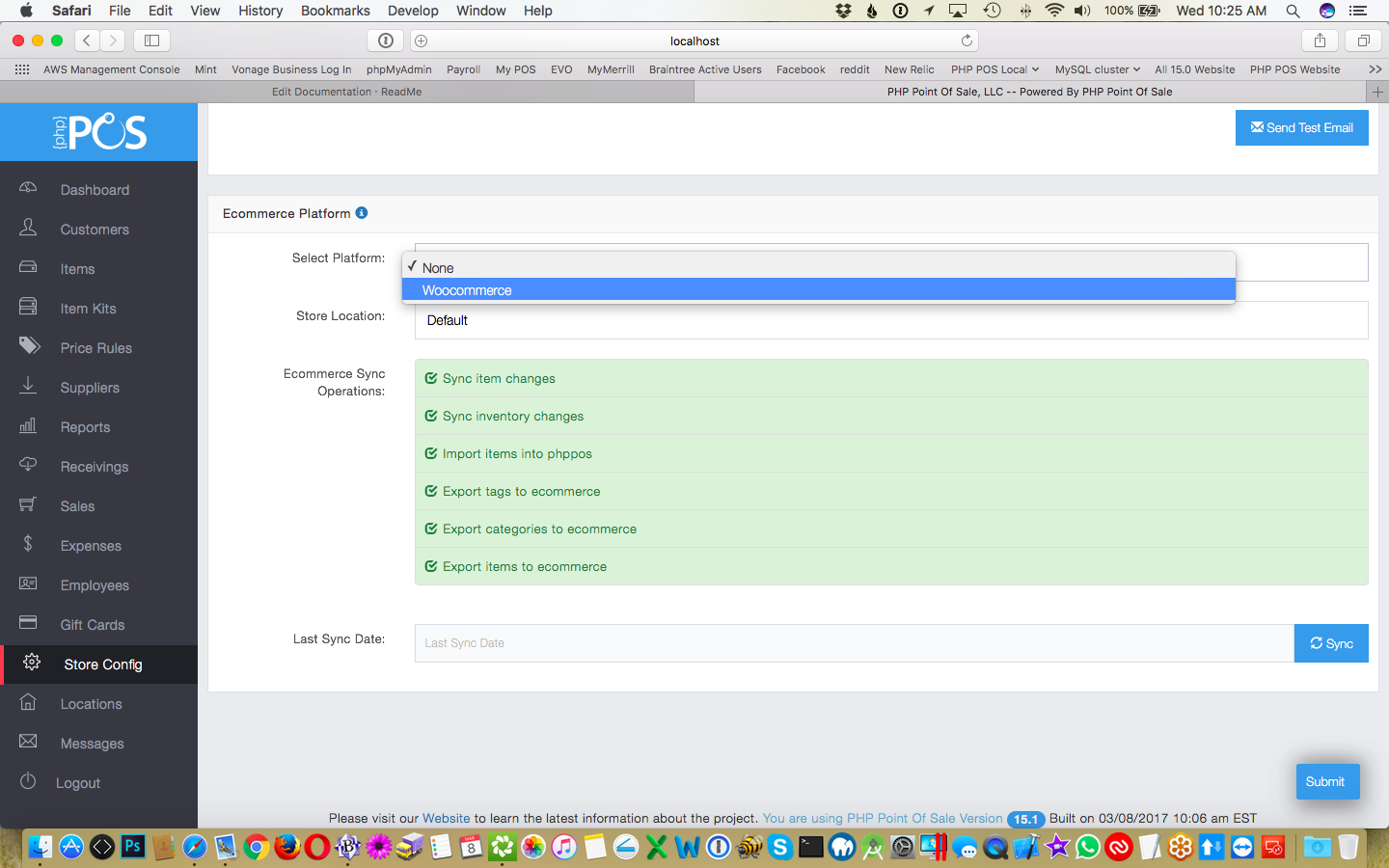
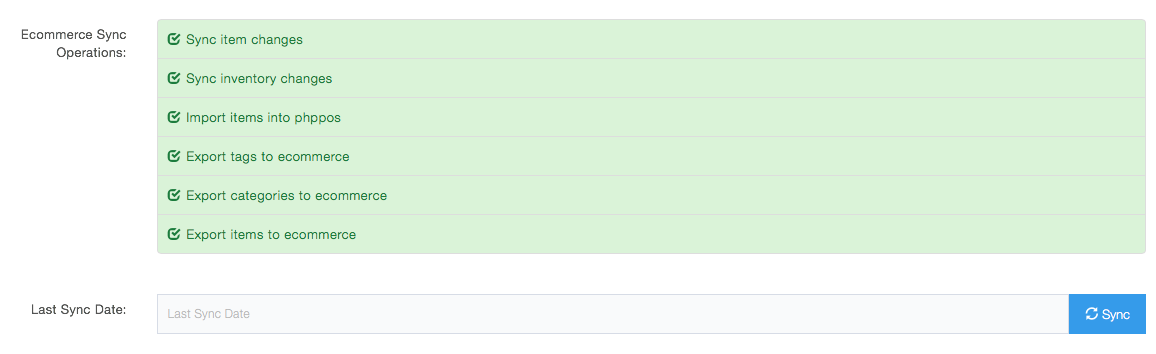
We have made the process of syncing data a one button operation. You can simply choose what you want to synchronize and our program will take care of it. You can import and/or export items, categories, tags, or just sync inventory data. This can be accomplished from store configuration as shown below by choosing your options and clicking sync.
NOTE: This process can take a LONG time; especially for the initial sync depending on how much data you have.
By default it synchronizes all items, categories, and tags. NOTE: You can exclude items by unchecking the box “Is Ecommerce Item” when editing/creating an item.
NOTE: If you are using version 19.4 or later syncing is real time and this does NOT need to be setup
Woocommerce syncing can be setup to happen automatically via a cron task in nexpos.
If you are using the popular cpanel software from your web site; you can read about setting up a cron task at their documentation website.
If you have command line access to your linux server; read more about cron tasks at:
https://help.ubuntu.com/community/CronHowto
If you are a cloud customer please contact us to get this setup.
We recommend setting the task to run every 15 minutes. We don’t recommend doing a shorter interval for performance reasons.
To path to the script varies per server and where you installed it; but if you installed it in /home/public_html/pos the path to the script in the cron task for every 15 minutes would look like
*/15 * * * * php /home/public_html/pos/index.php ecommerce manual_sync http://nexposurl/
Our sync process will try to match woo commerce’s sku field to nexpos’s UPC/EAN/ISBN field (item number)
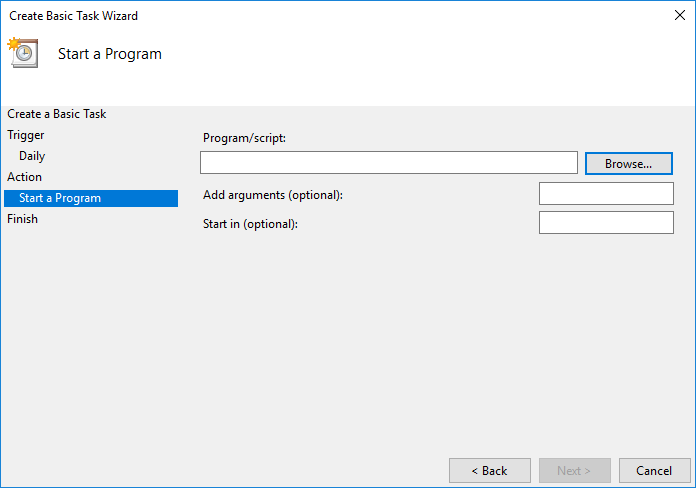
C:\NexPos\php\php.exe C:\NexPos\apps\nexpos\htdocs\index.php ecommerce manual_sync http://localhost/
Example:
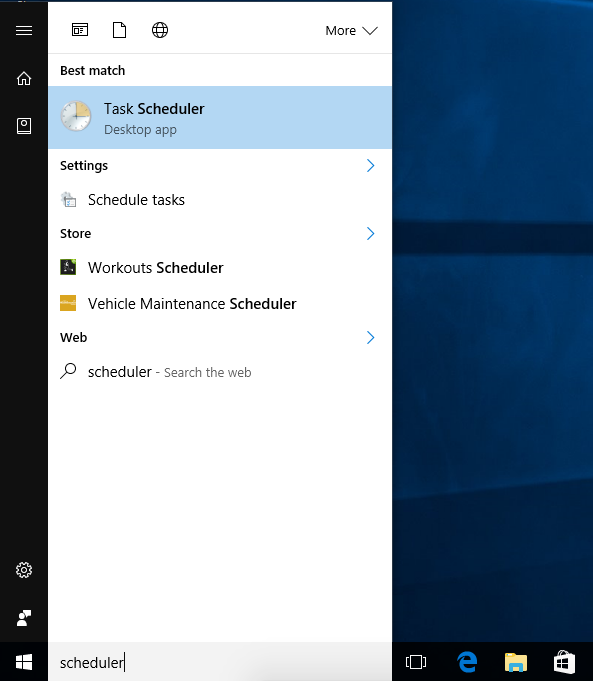
Task Scheduler
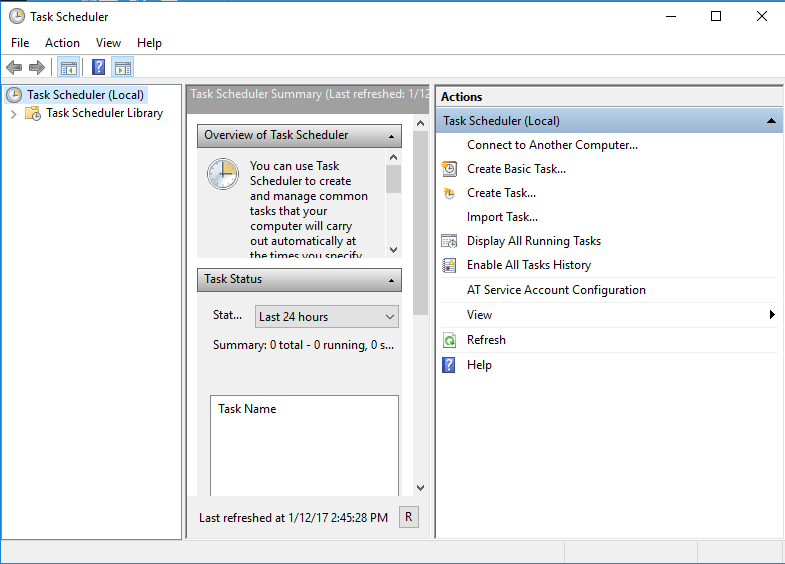
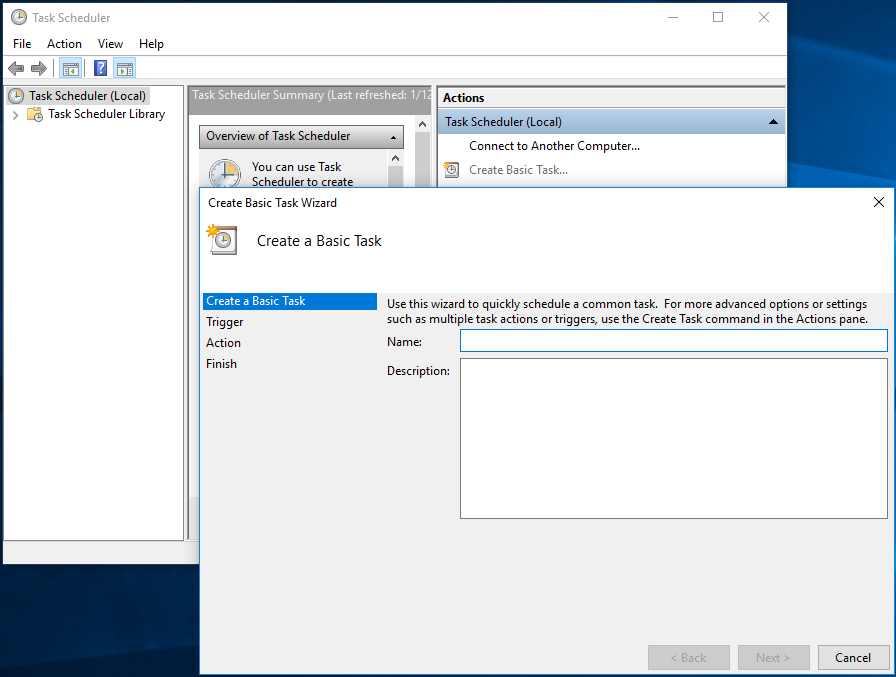
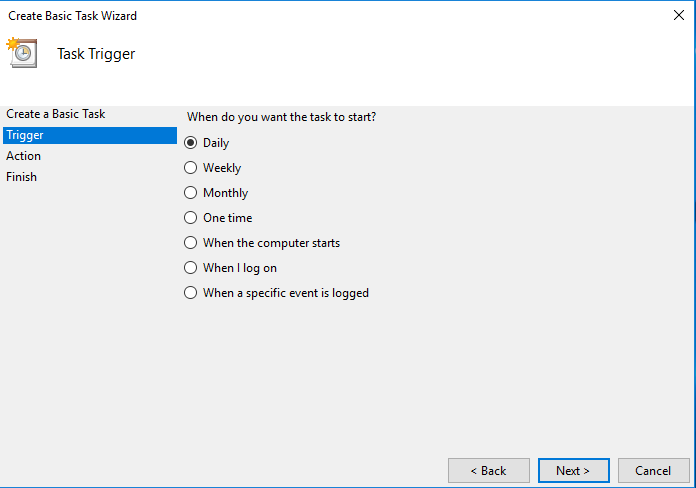
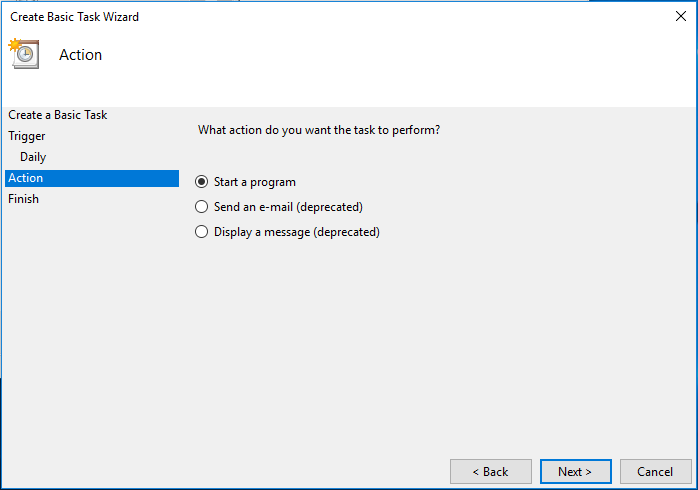
under “actions” click “create basic task”
Label the task and click next
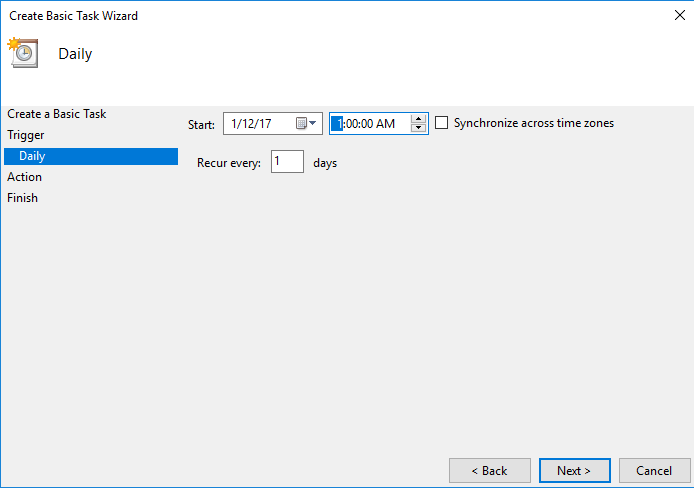
Enter the frequency you want the backup run and click next