Cloud Billing Help
- login by entering your username and password and clicking the updating billing info

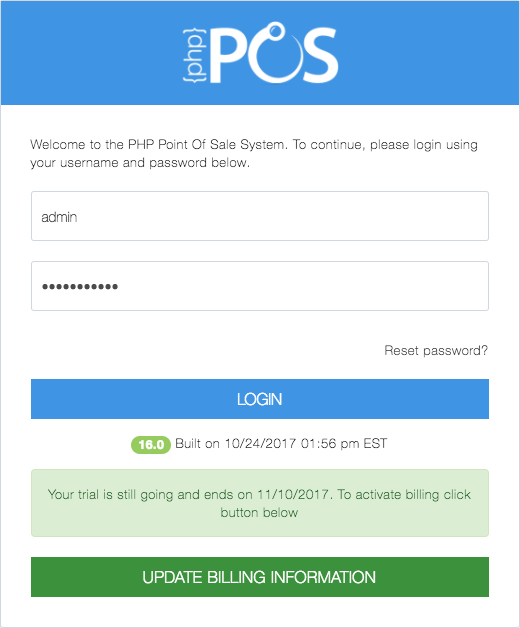
From Login Screen
You can access the billing info page from within the application by clicking on the dropdown in the upper right hand corner and selecting Update Billing Information.
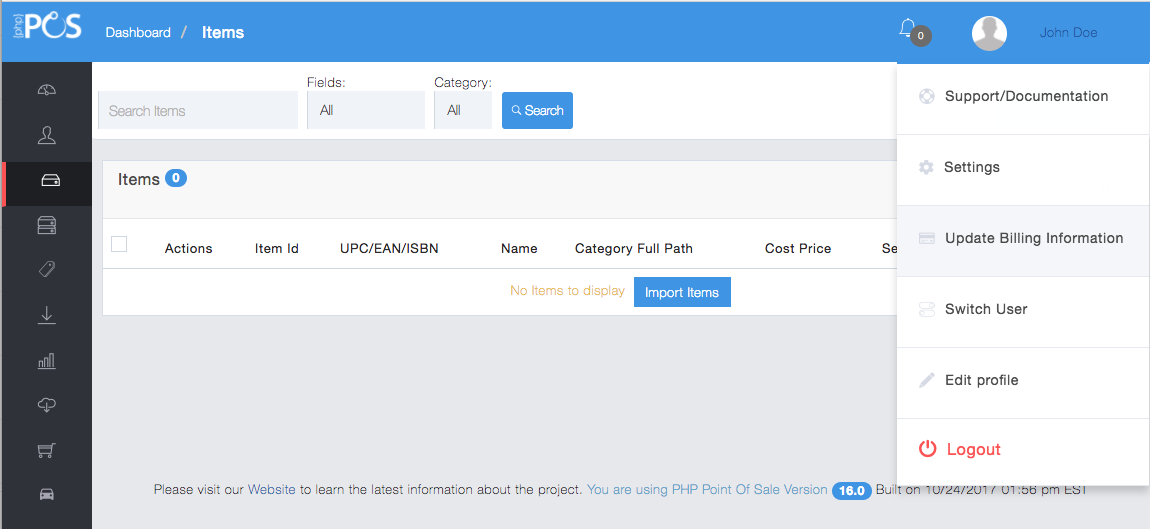
From Within Cloud PHP Point Of Sale
If you see the screen below it means you could not be logged in to the billing system with your credentials. You need to have Admin rights within Cloud NexPos to Update Billing Information
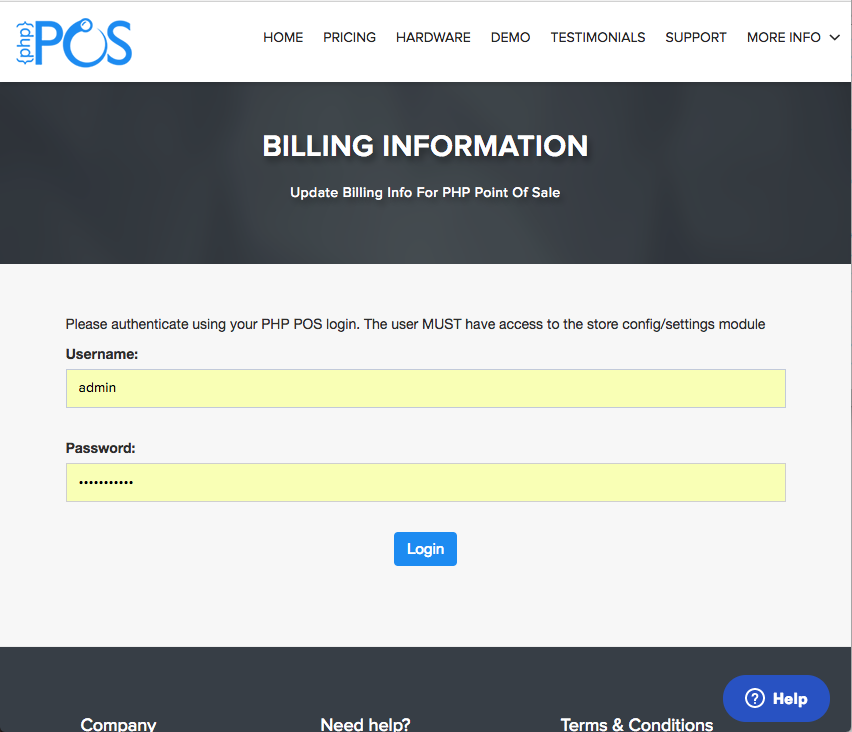
Must have Admin rights to update billing info
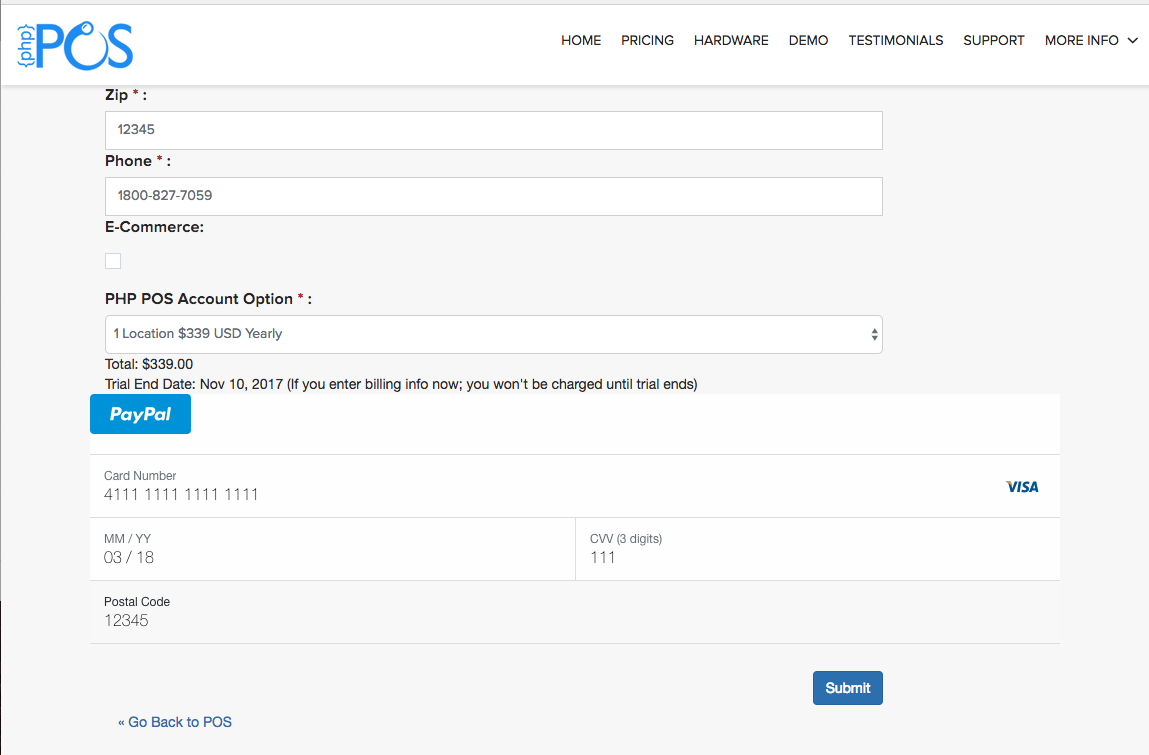
Enter Billing Info
Once Submitted you should receive a green confirmation notice at the top of the form:
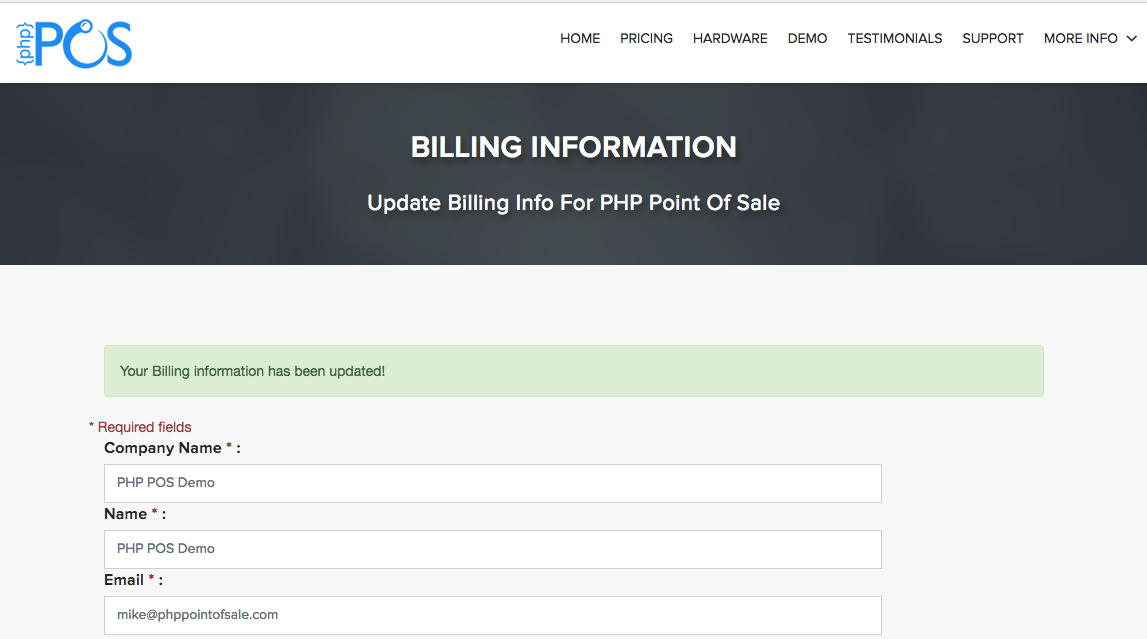
Sucess
Follow the same process to get to “Update Billing Information”
At the bottom of the form Click “Cancel Account”
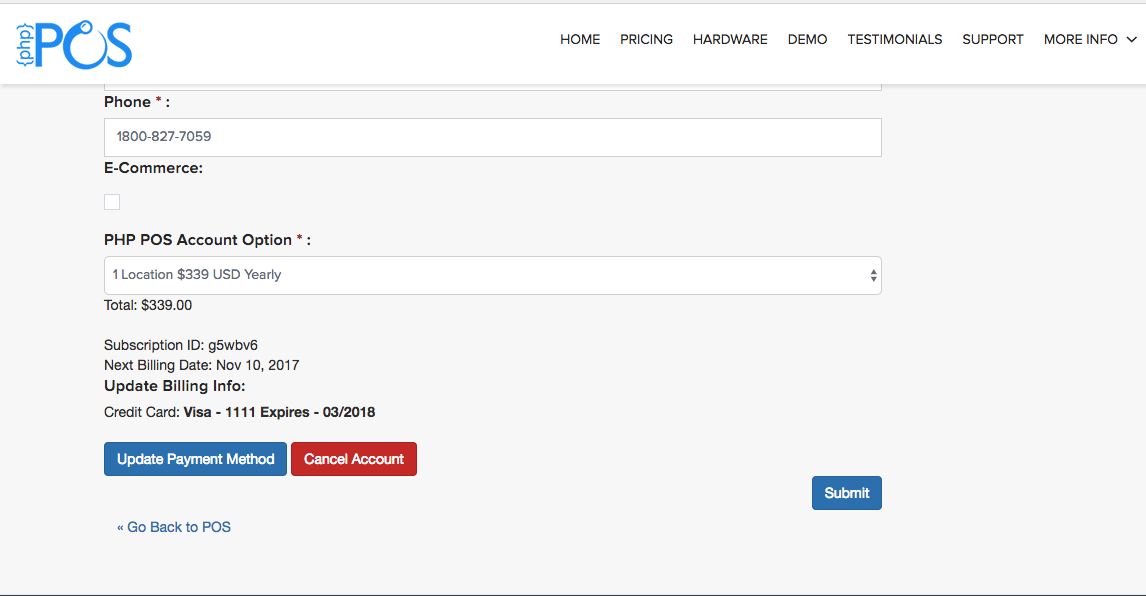
Click “Cancel Account”
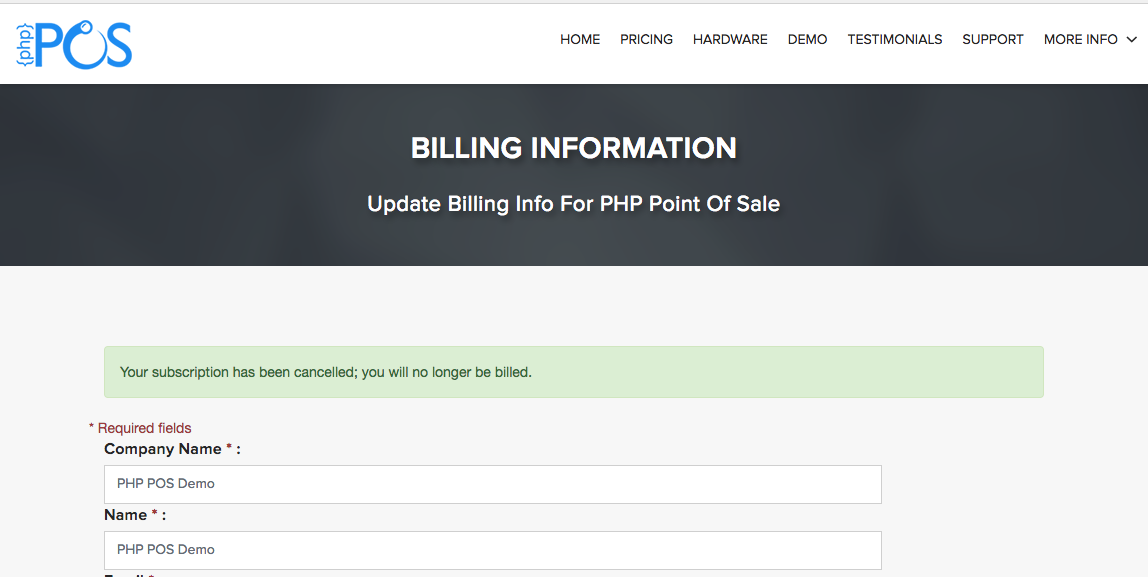
You should receive a conformation notice at the top of the form stating your subscription has been canceled: