Receipts can be printed with a receipt printer, regular printer, or emailed to customers.
Receipt Setup
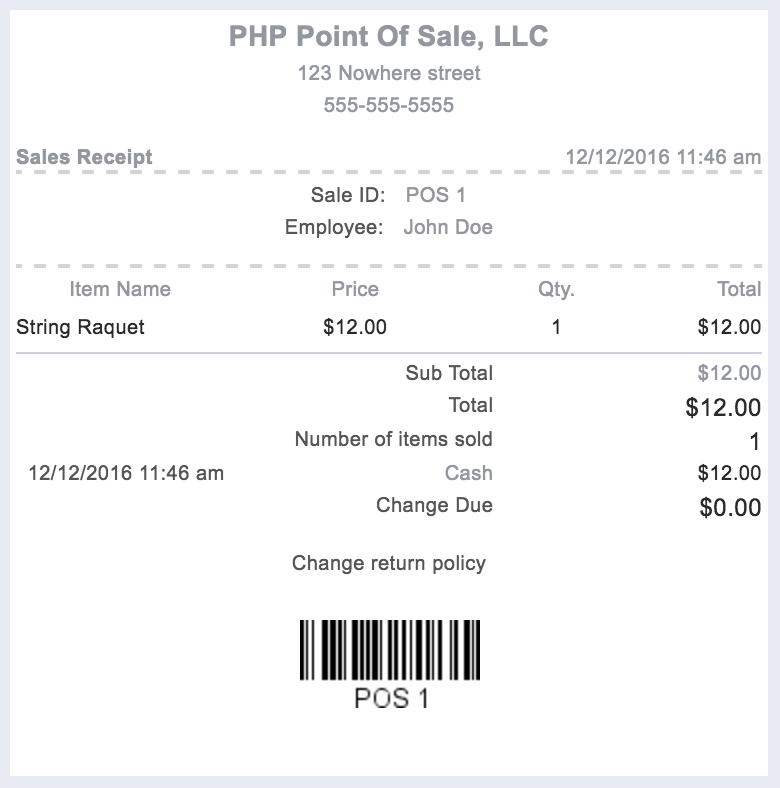

Receipts can be printed with a receipt printer, regular printer, or emailed to customers.
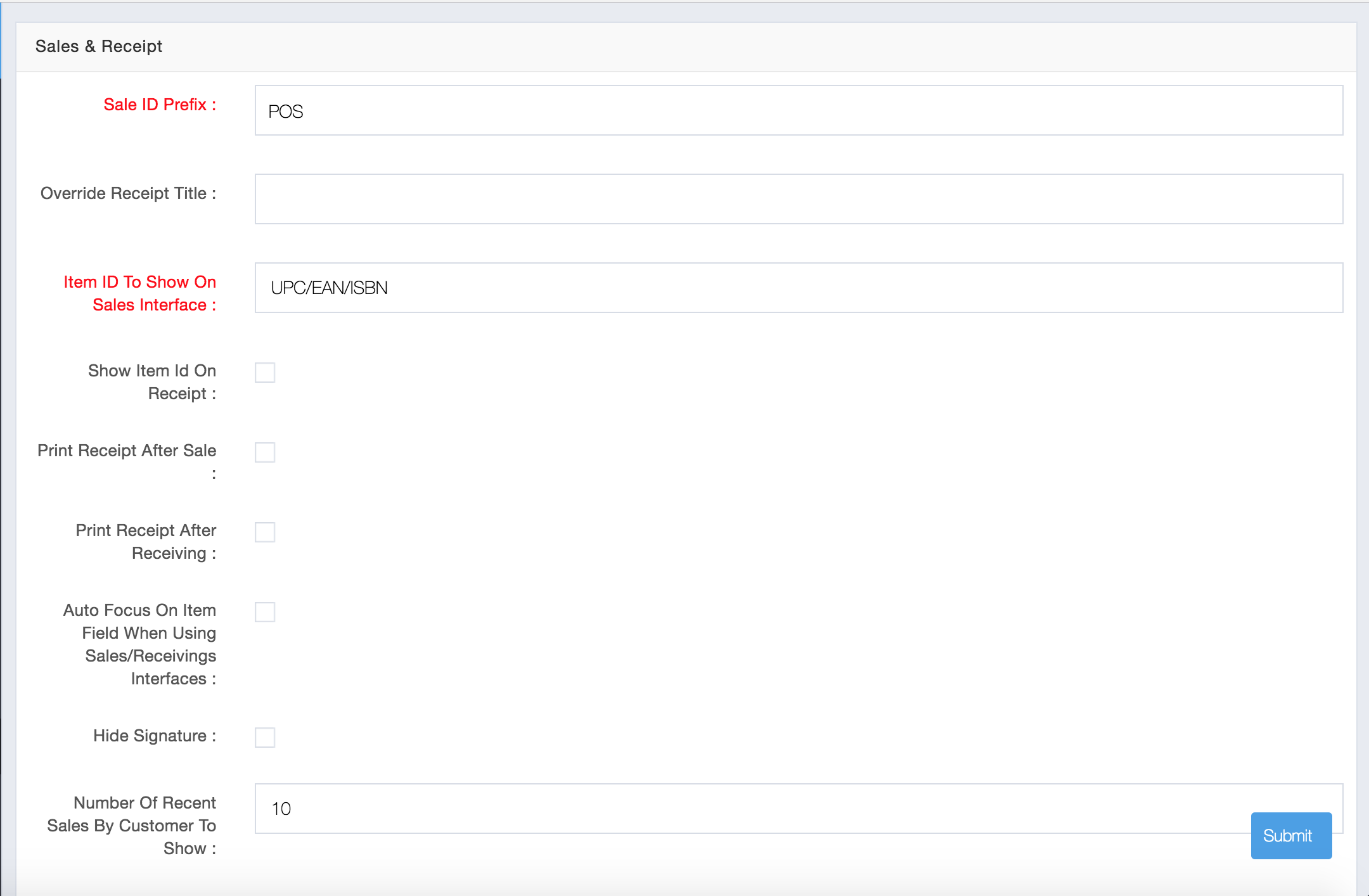
The main area to configure settings for how receipts look and behave is located in Store Config -> Sales & Receipt:
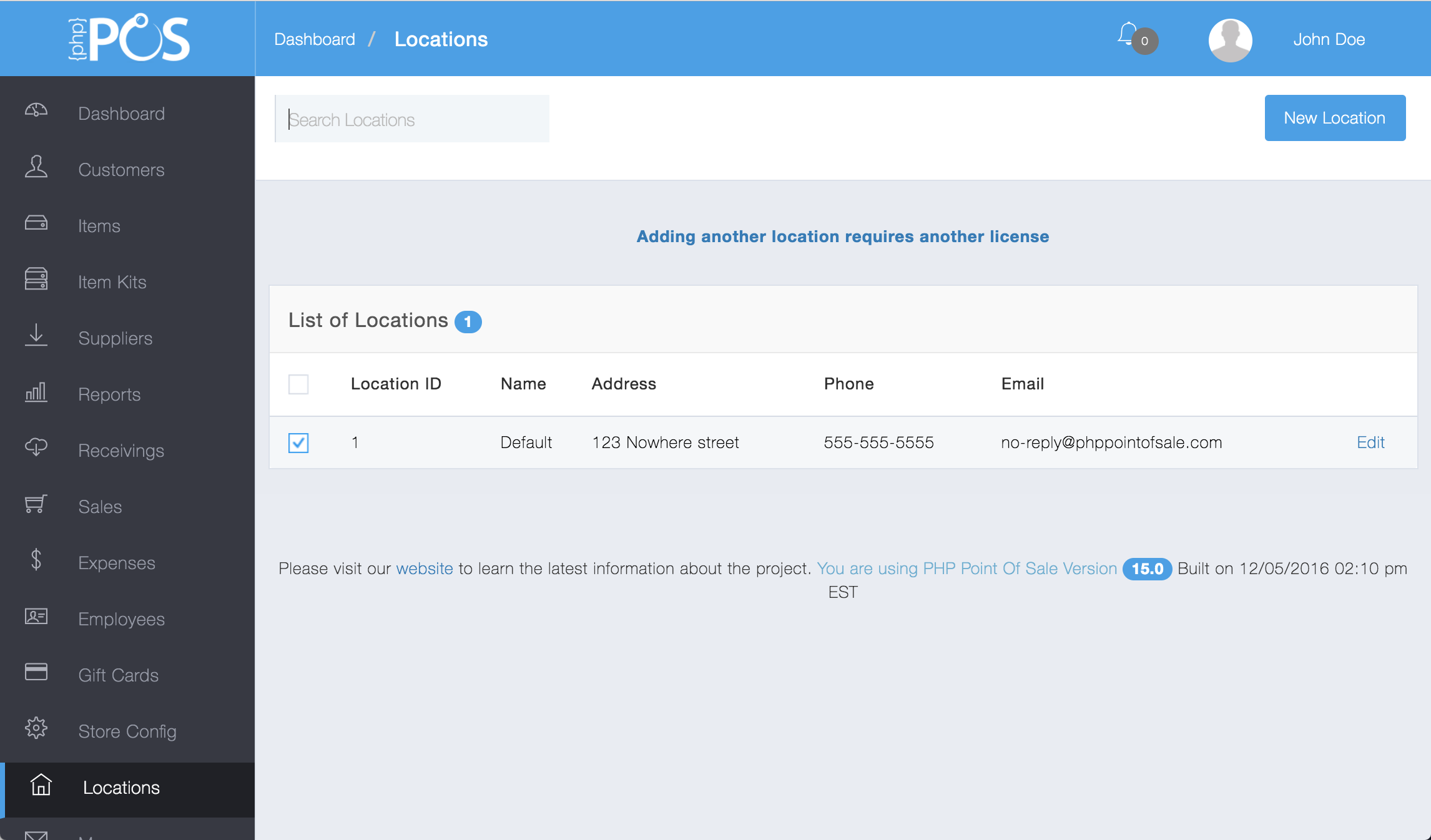
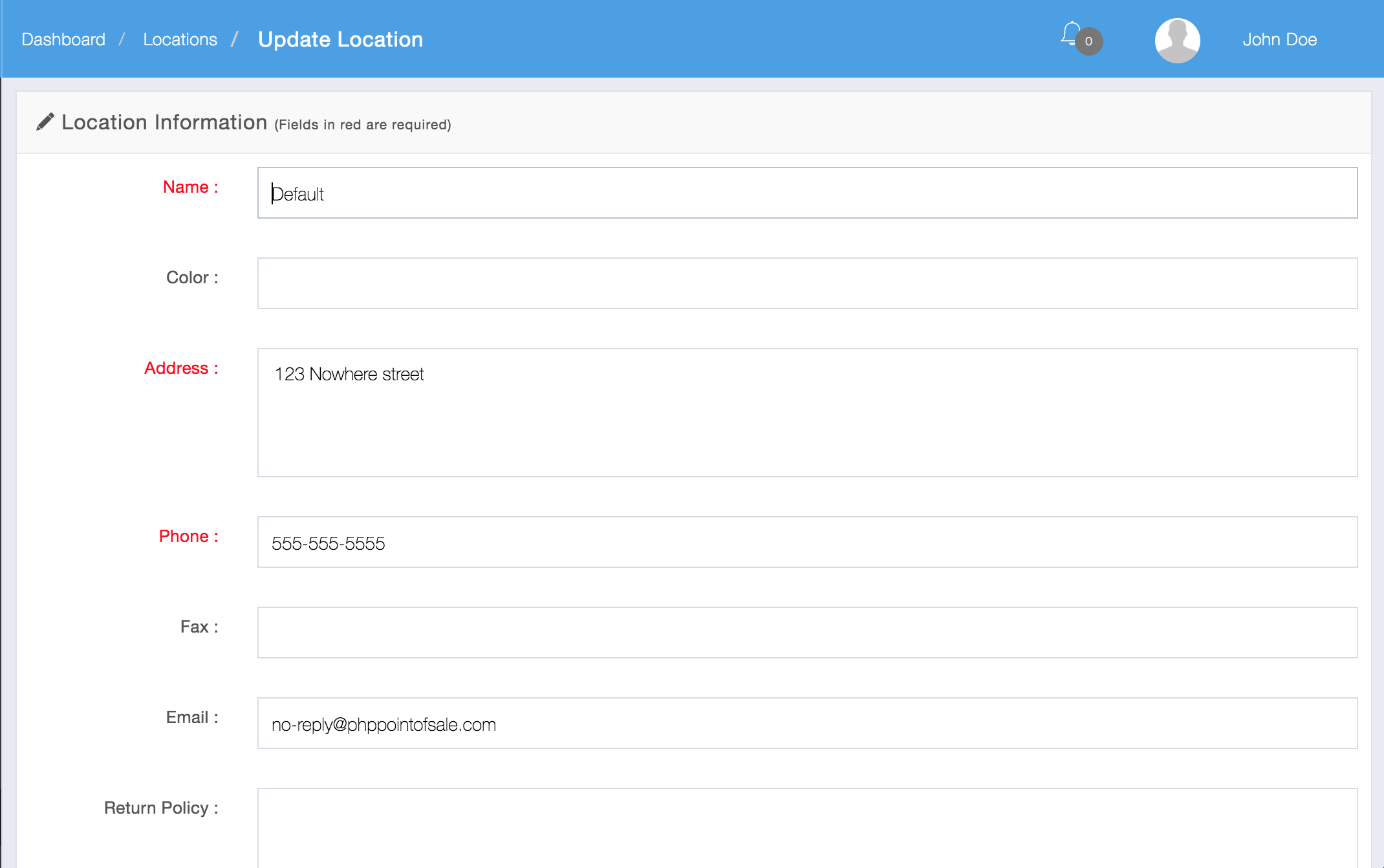
Another area which has settings that affect the look of the receipt is the locations module. The Name, Address, and Phone Number from each location is used on the receipt.
edit