Mobile App Setup

The mobile app can be used to access your Cloud/Hosted Point Of Sale or a Download version that is publicly accessible via the internet.

Requirements

  • You must have an internet connection on your mobile device to use the mobile app.
  • Your Store URL must be accessible via the internet

Installation

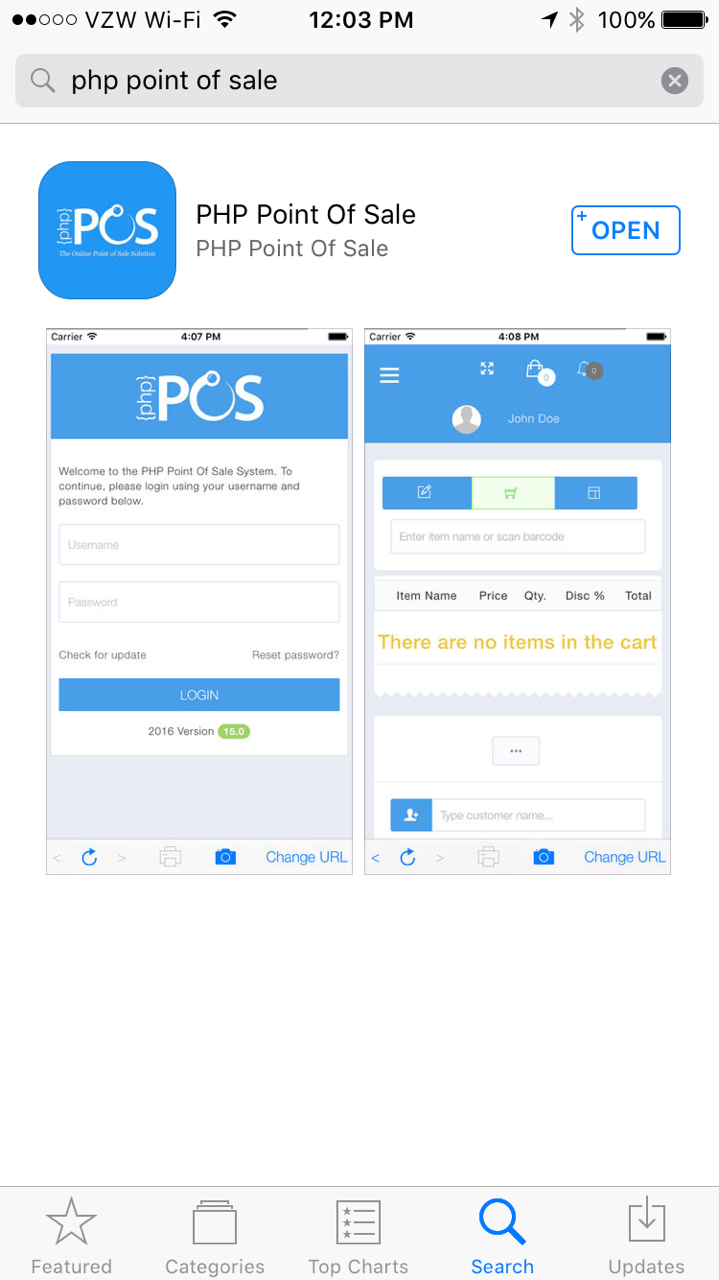
Download and install the “PHP Point Of Sale” App from either the android and iOS App depending on your mobile device.
a813768-IMG_3179.PNG.png

Setup

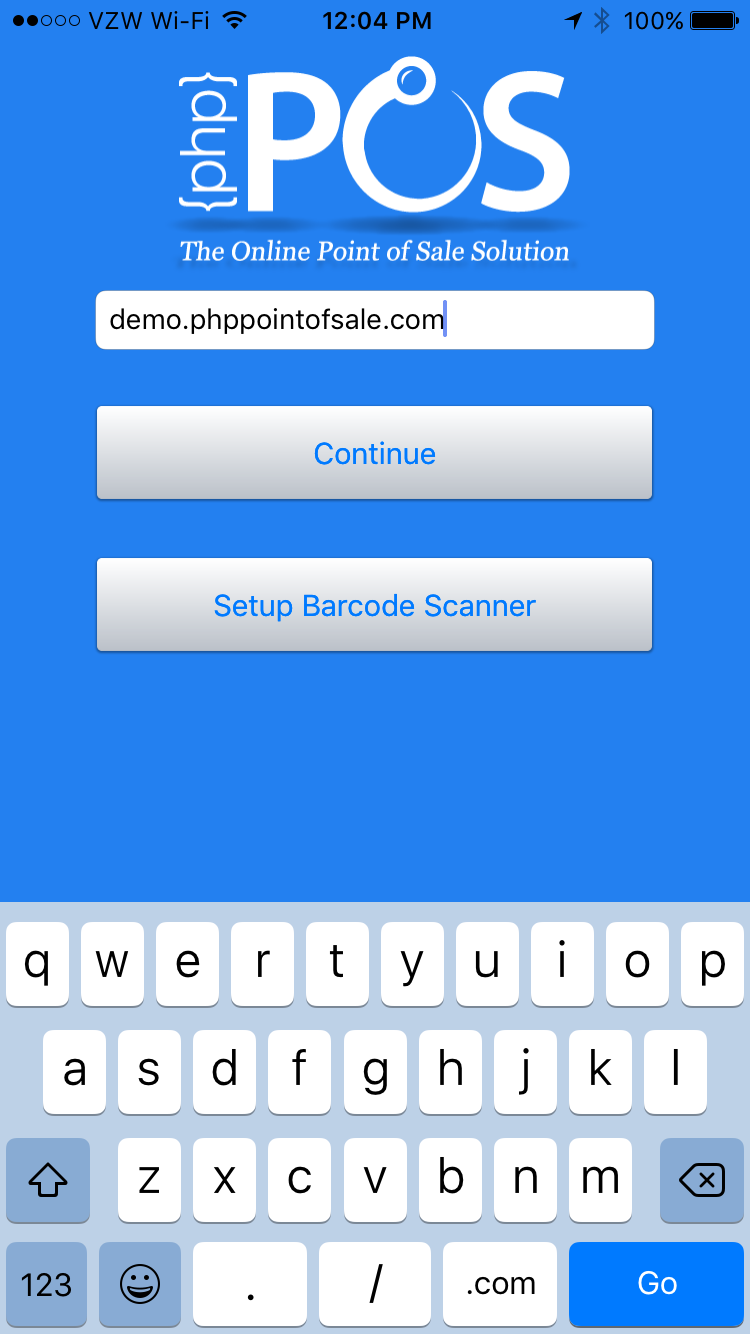
Open the app and enter your Store URL:

fb414be-IMG_3180.PNG

Enter your store URL and click continue.

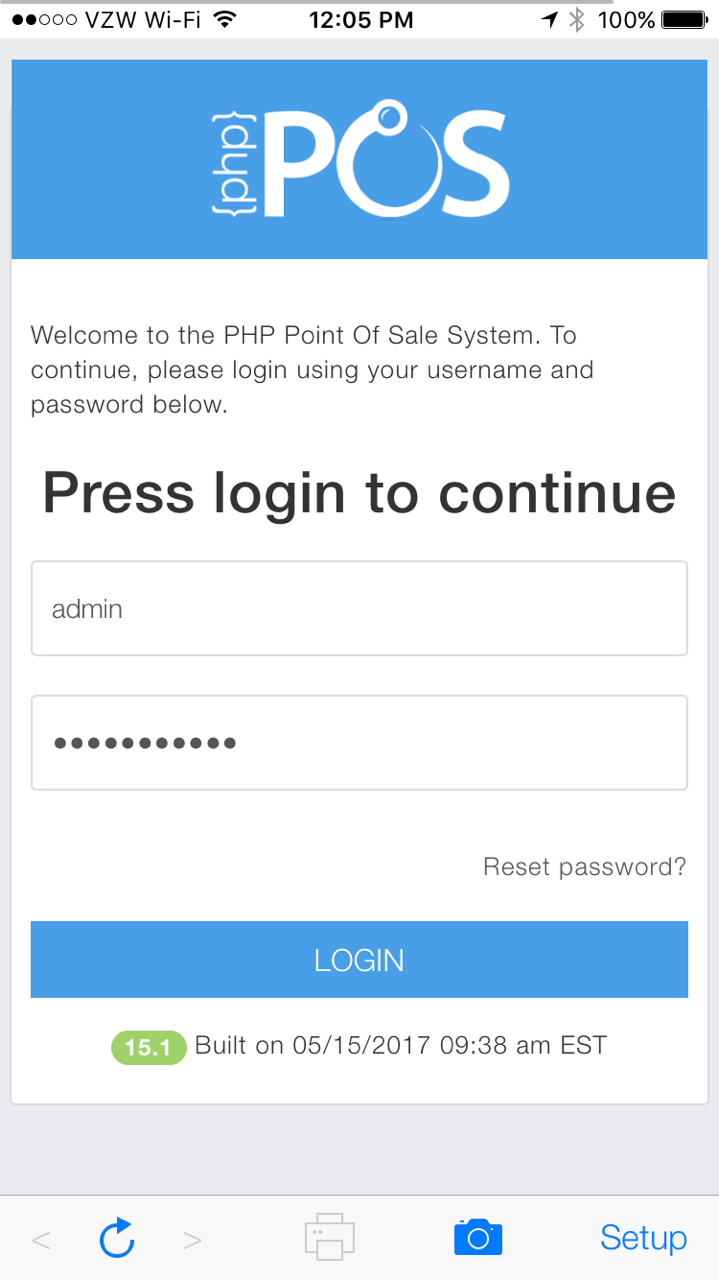
If you did this correctly you should see the login screen similar to the one below:

fde6eaf-IMG_3182.PNG.png

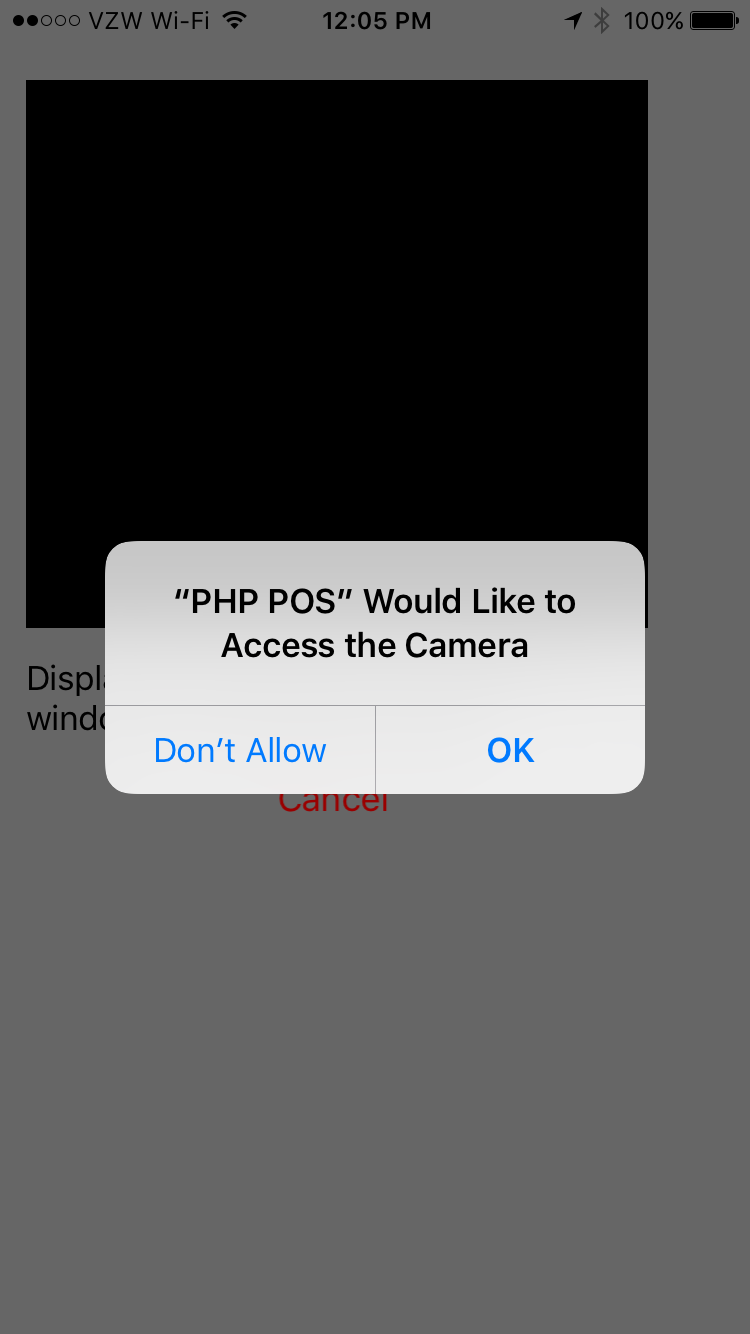
You can enable camera access to use the device camera as a barcode scanner by clicking on the camera icon:

dfd6075-IMG_3183.PNG

Click “ok”

Was this article helpful?

Related Articles