VX 805 Terminal Setup
https://www.datacapsystems.com/support-articles/2016/5/25/transaction-not-complete-no-response

https://www.datacapsystems.com/support-articles/2016/5/25/transaction-not-complete-no-response
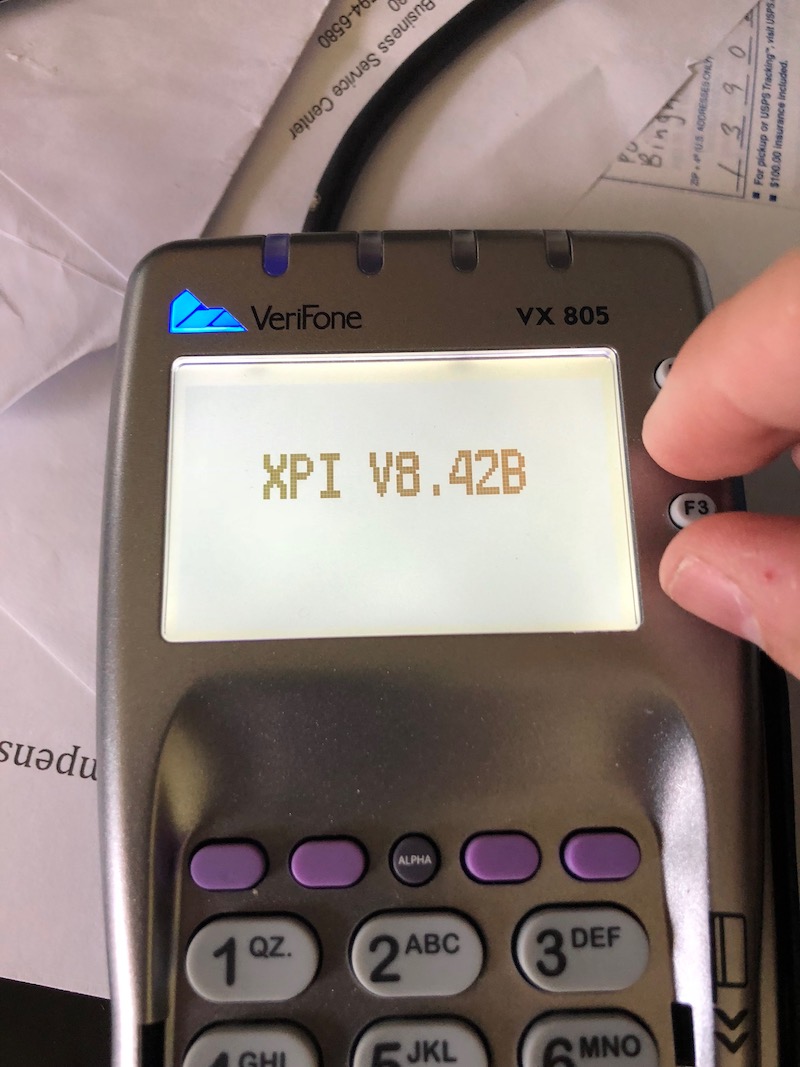
The VeriFone VX 805 installation requires a Microsoft Windows environment.
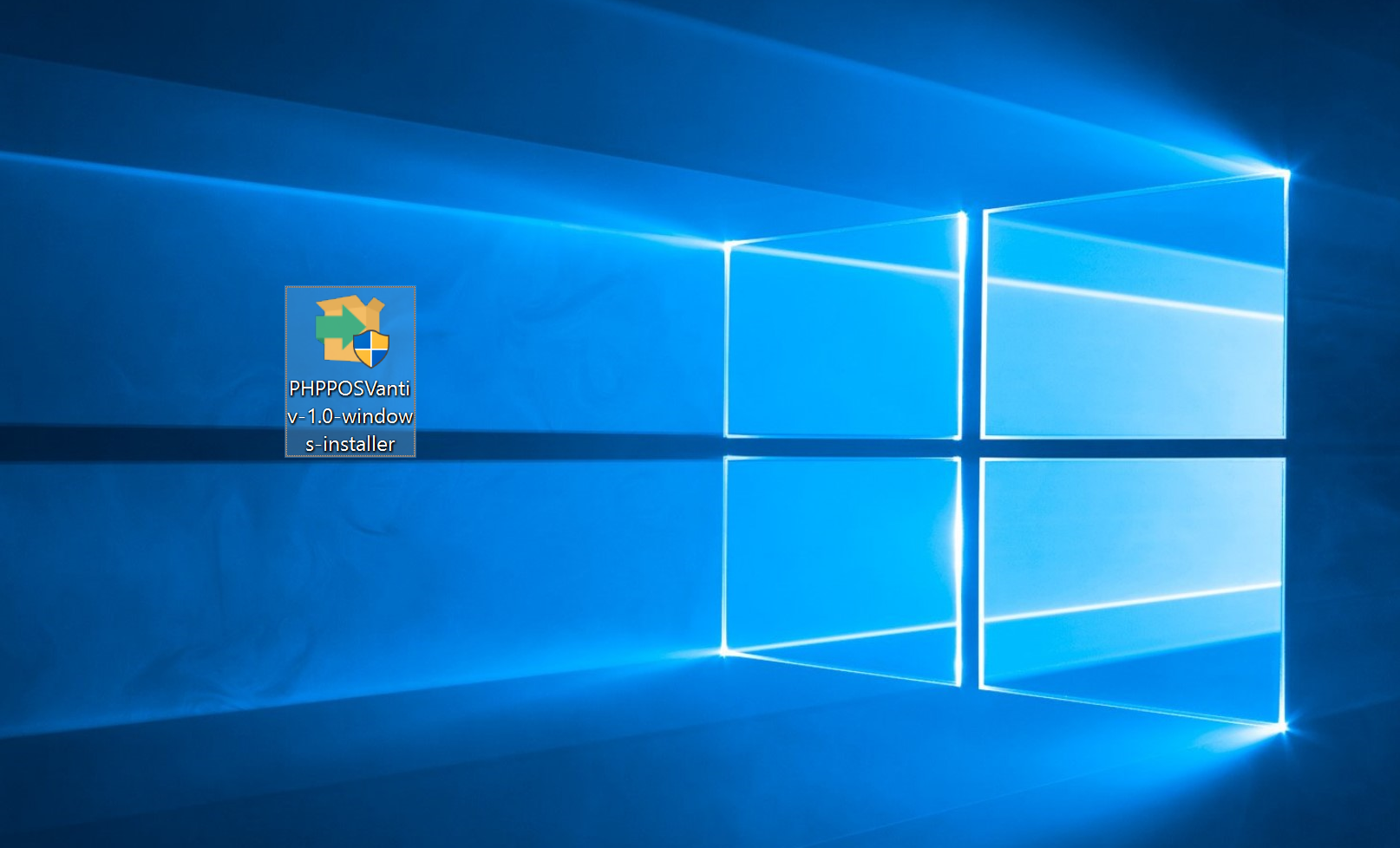
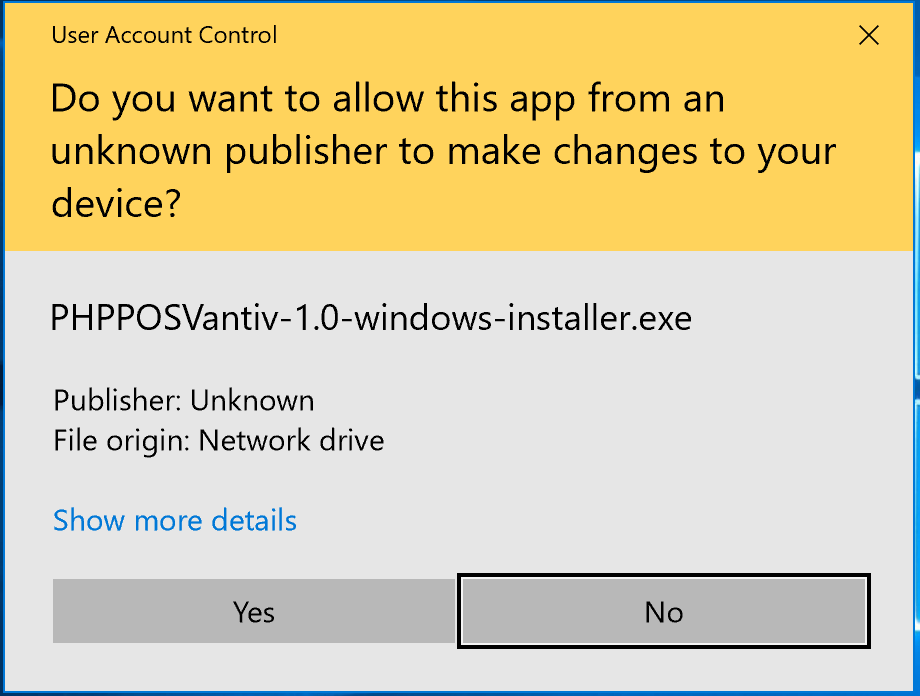
Click “YES”
Click “Next”
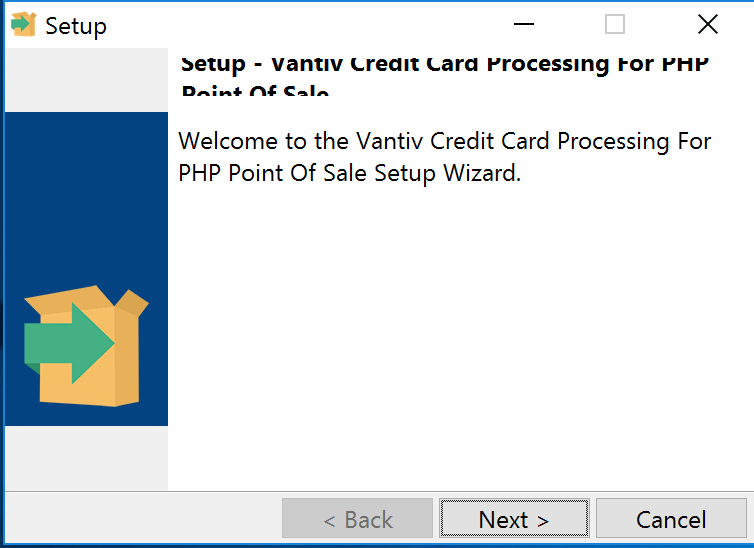
Click “Next”
Leave the Default Installation Directory and Click “Next”
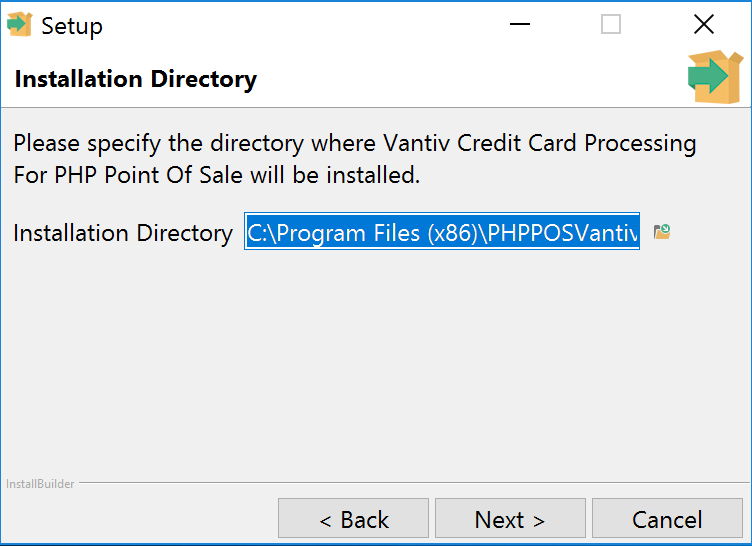
default, next
Leave the default Port number for listener and click “Next”
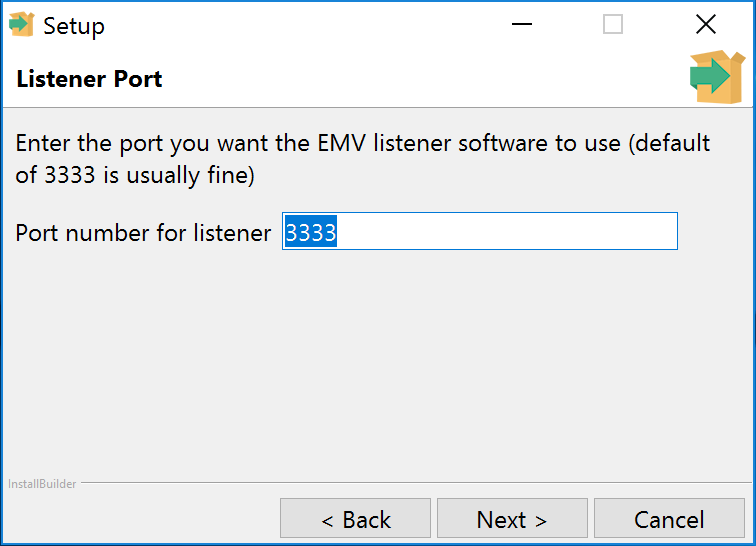
type ‘3333’ and then click next
Click “Next”
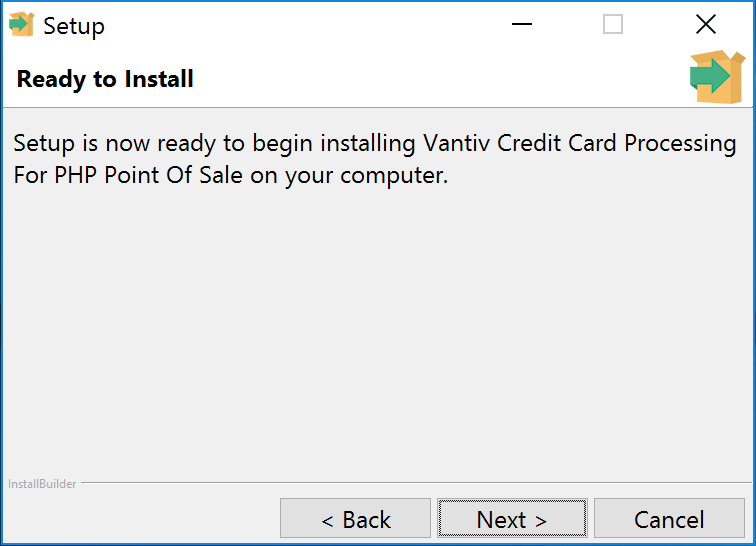
click Next
Accept the agreement and click “Next”
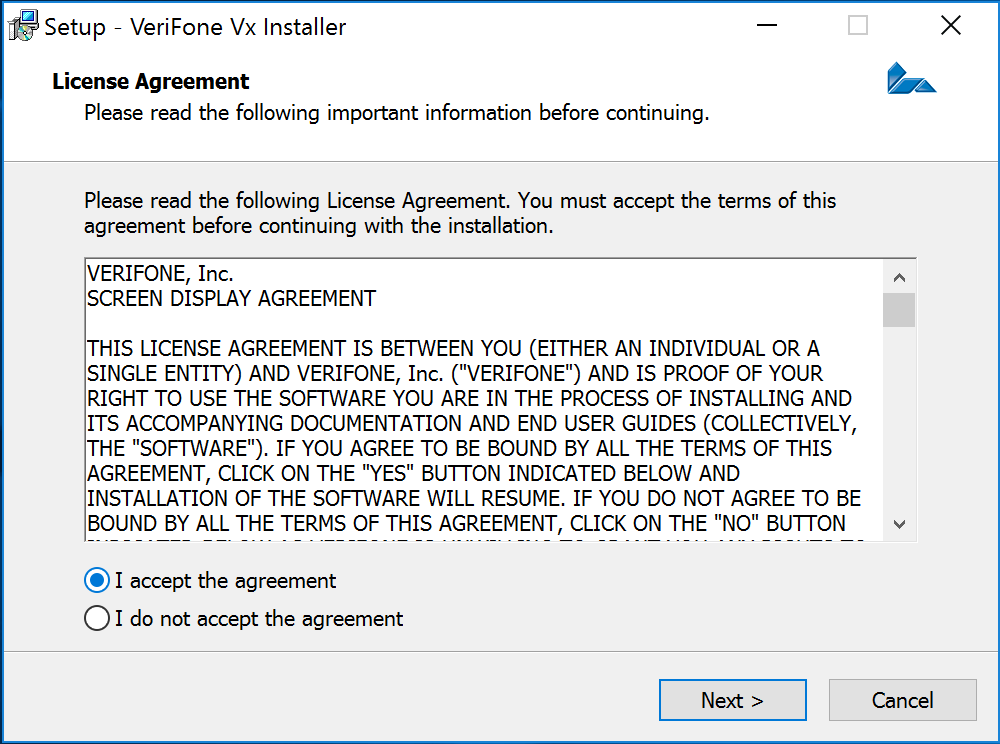
click next
Install dsiPDCX Listener:
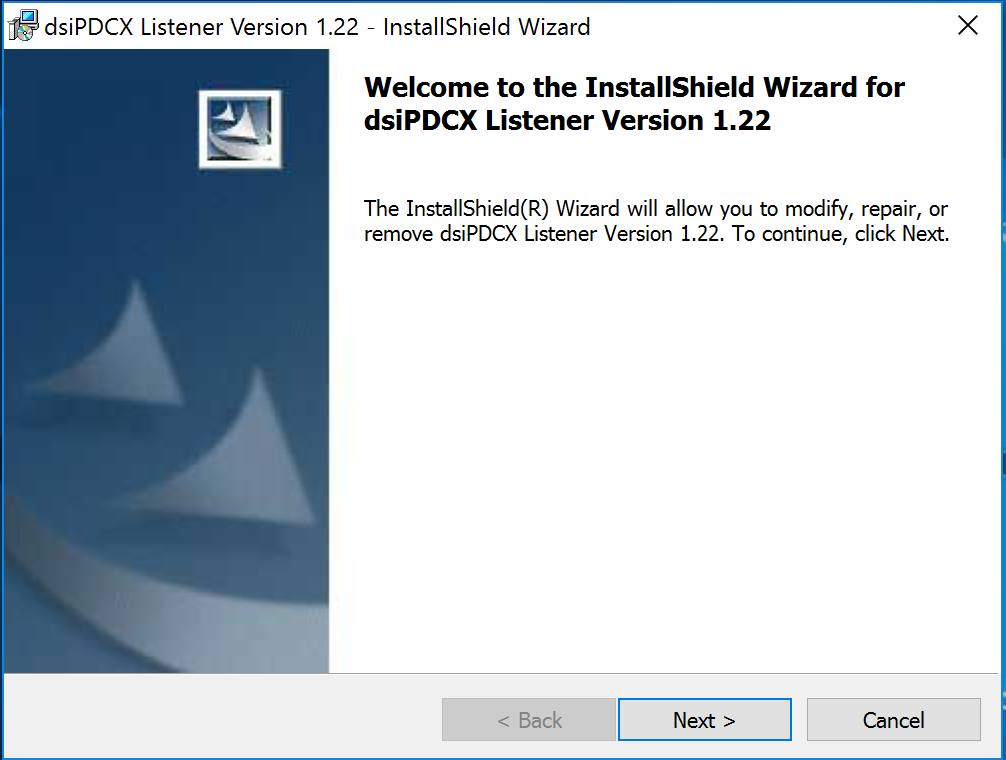
click next
Click “Install”
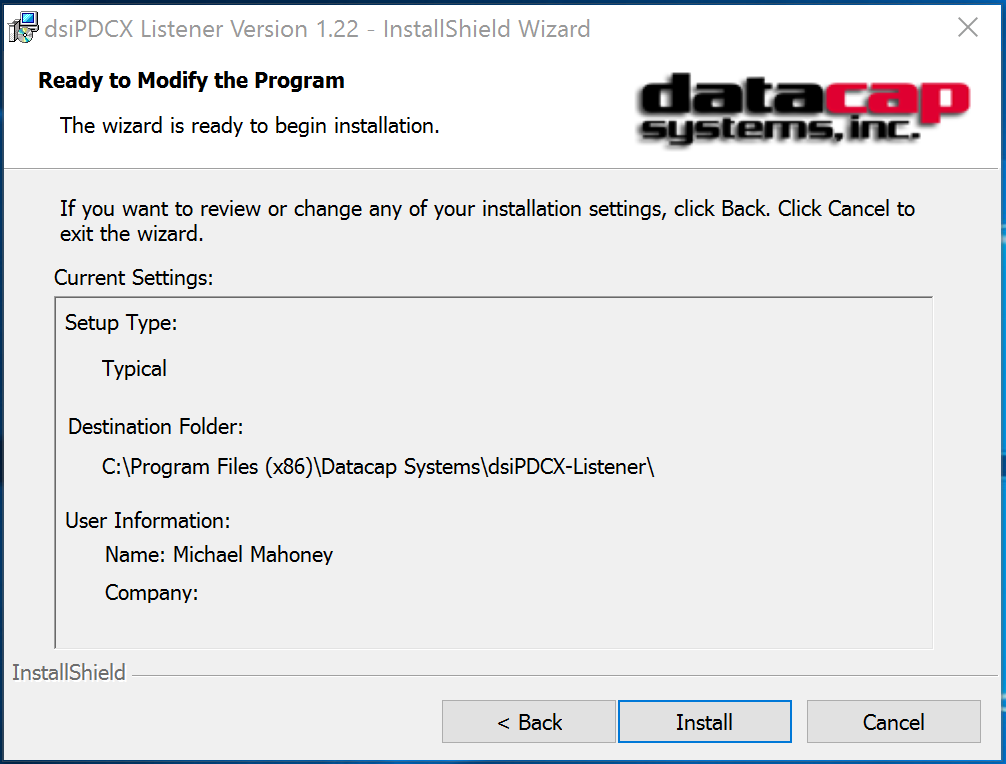
Click Install
Click “Finish”
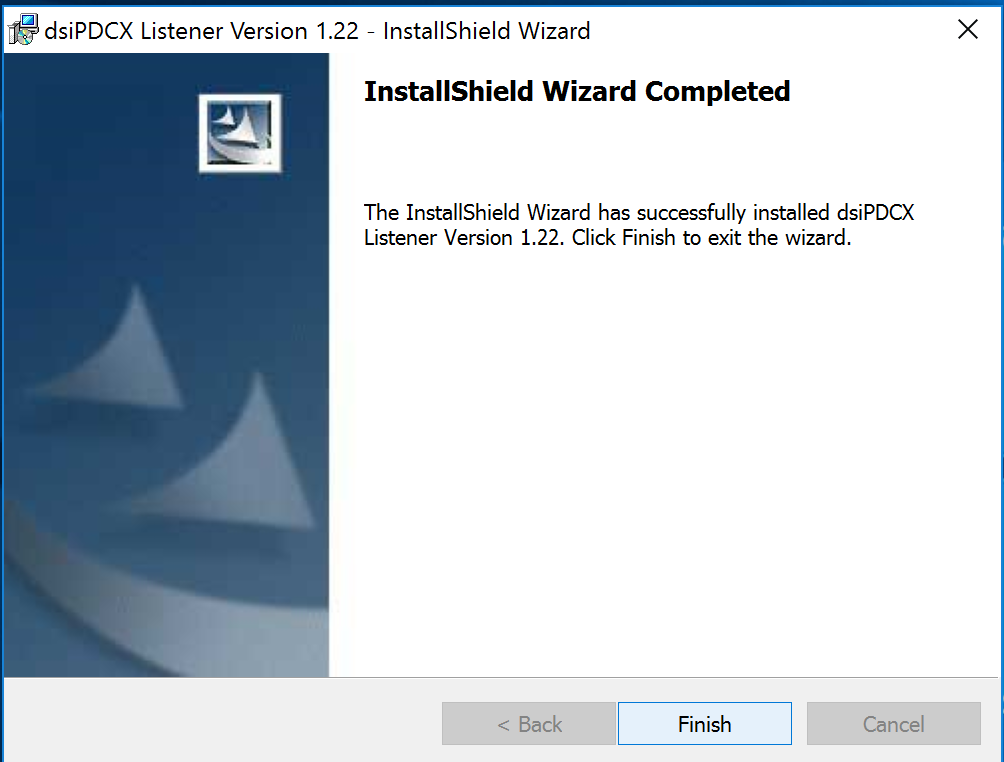
click finish
Go to Locations and click “edit” next to the location

Enter the information
next
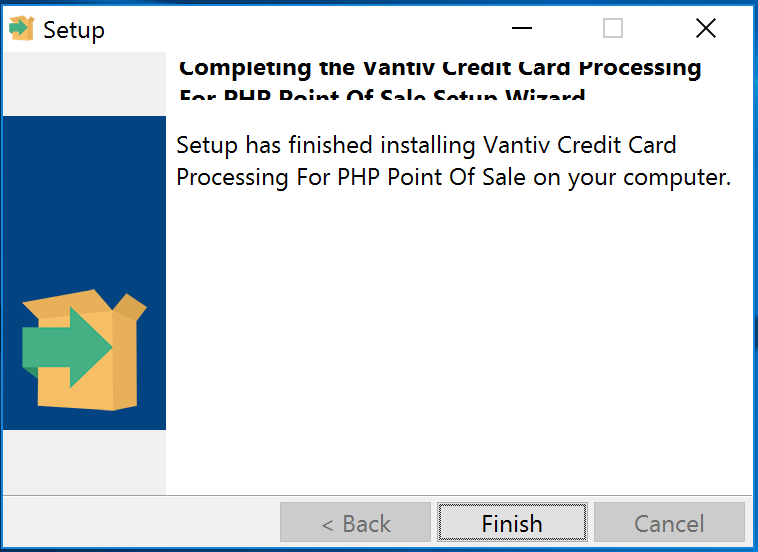
finish
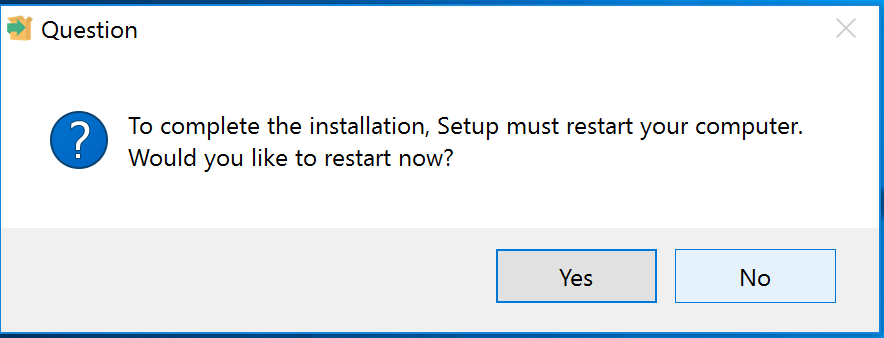
Click yes or no. It doesn’t matter.
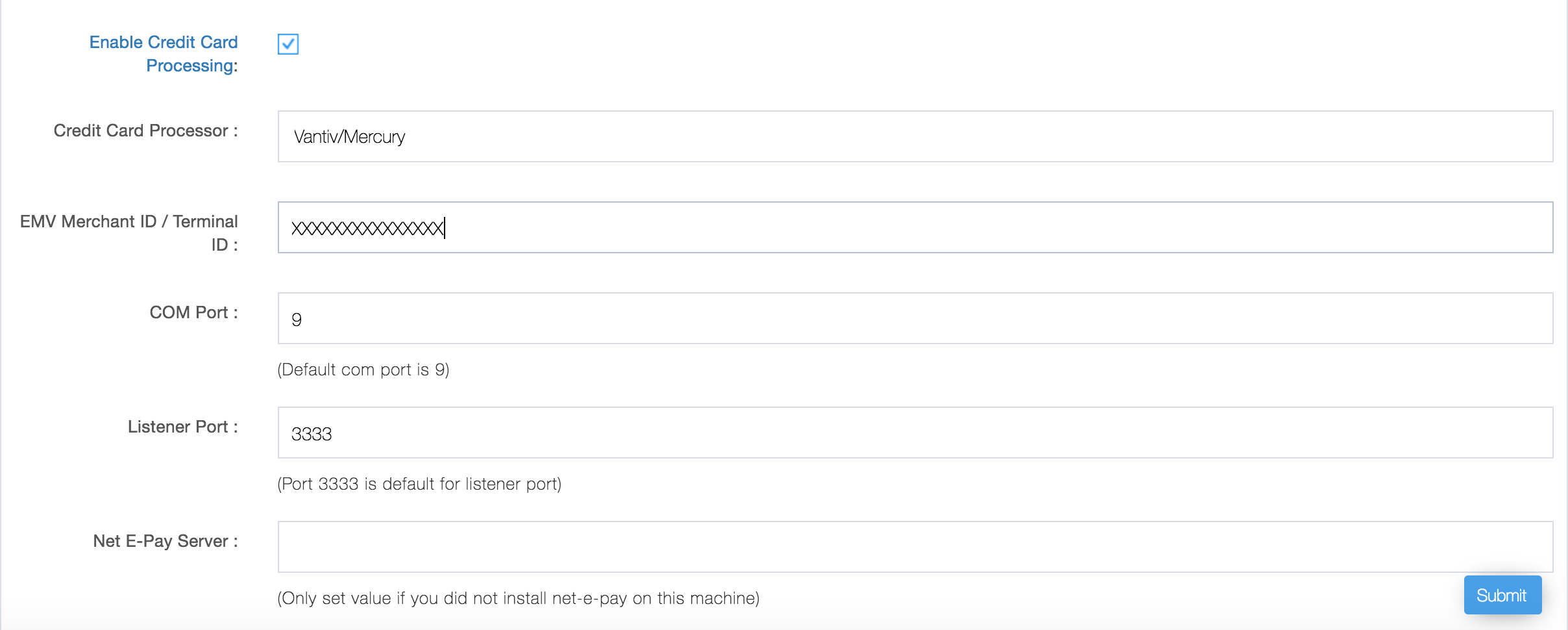
Open locations module and edit the location for which you want to install credit card processing.
Scroll down to “Enable Credit Card Processing” and check the box. Enter EMC Merchant ID, COM Port, and Listener Port. These ports should be the defaults.
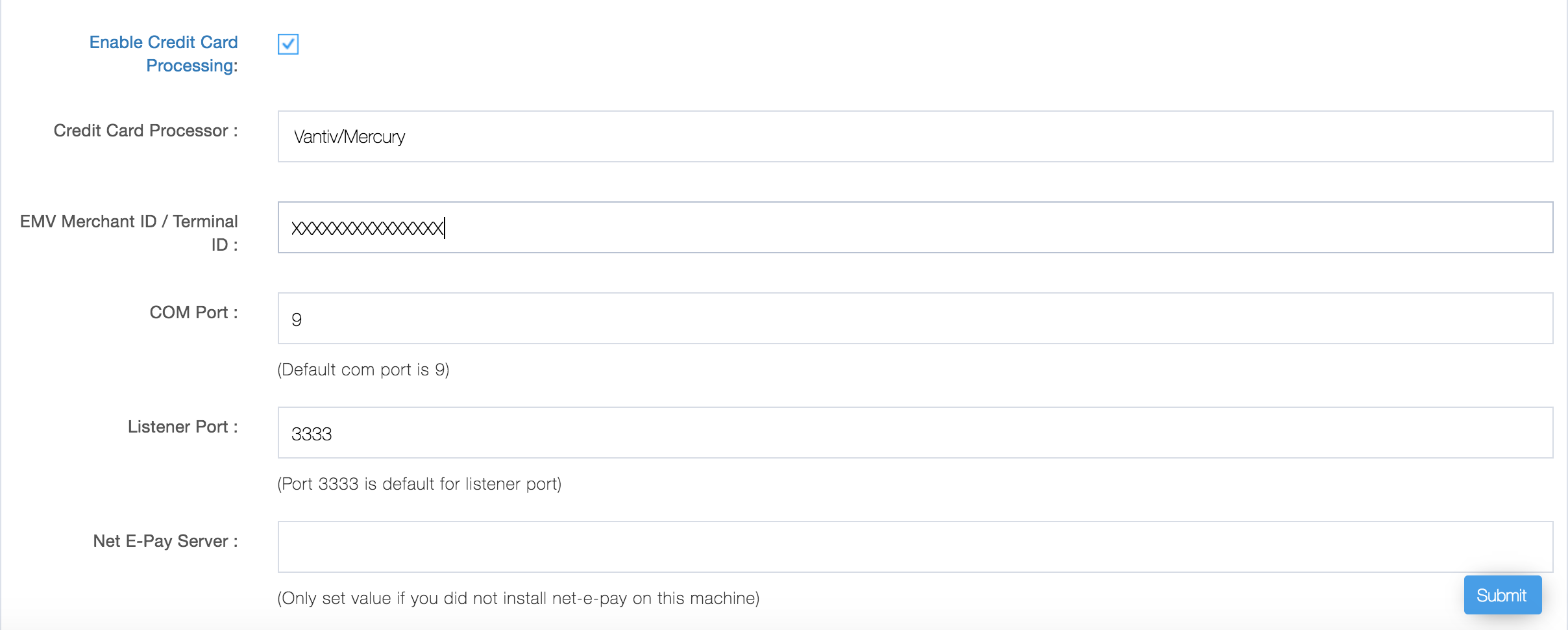
Configure settings