
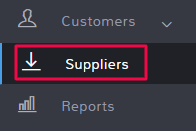
To email a supplier, click Suppliers in the left menu.
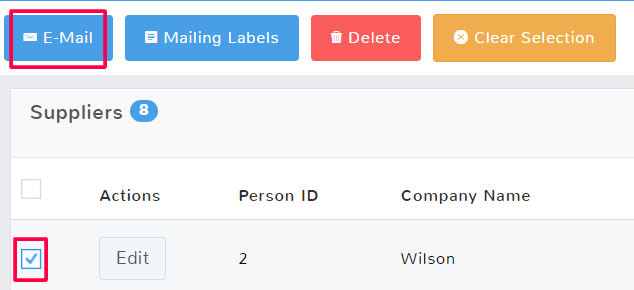
Once the page opens, locate the supplier you want to contact and click the checkbox to select their row. Above the suppliers list, there will be an option to E-Mail the supplier.
A popup will ask which email service you want to use to open the email options. Click the email service you normally use from the list and you will be able to compose and send an email with the supplier’s email auto-populate.