Cloud Backups
Backups are done automatically for cloud customers.

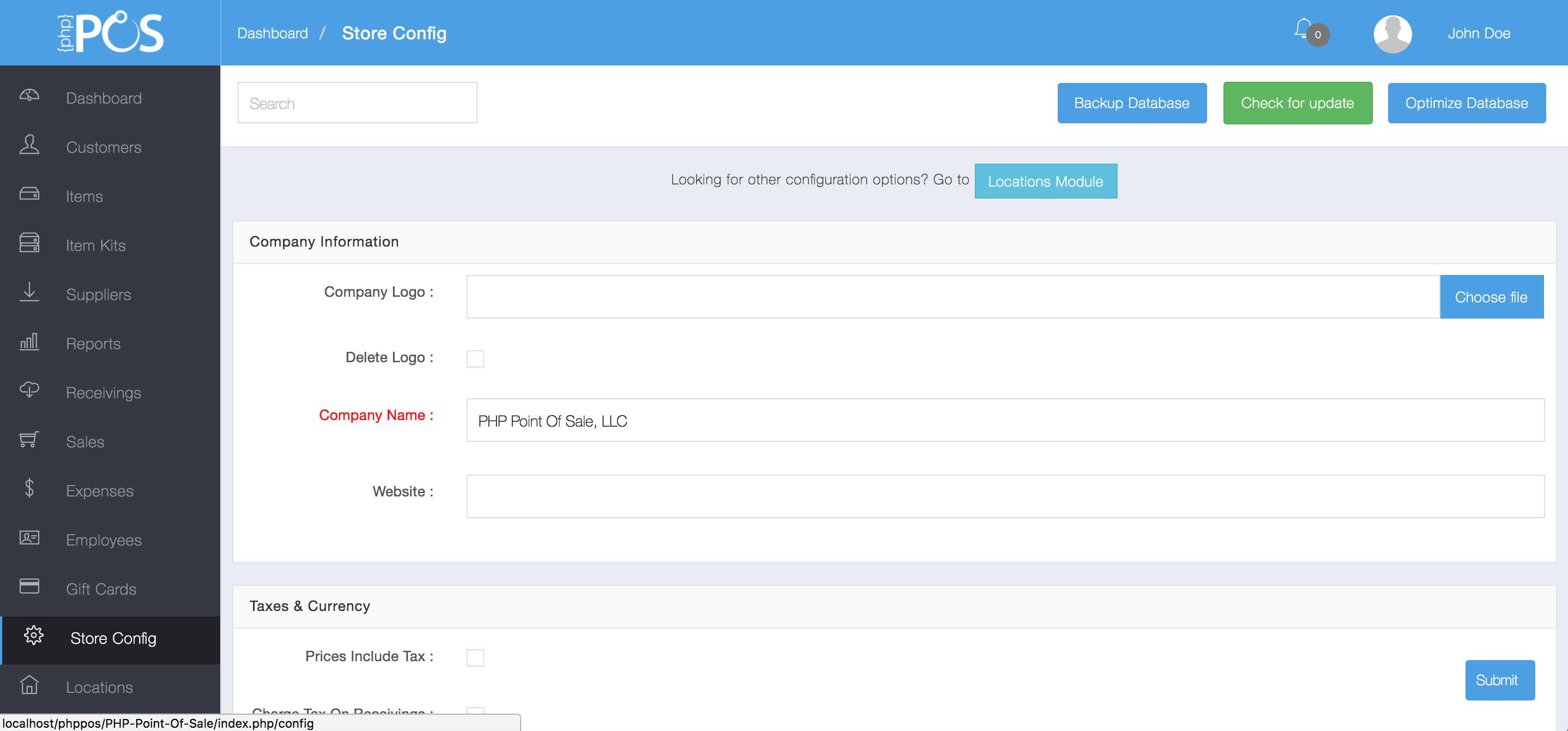
Store Config View
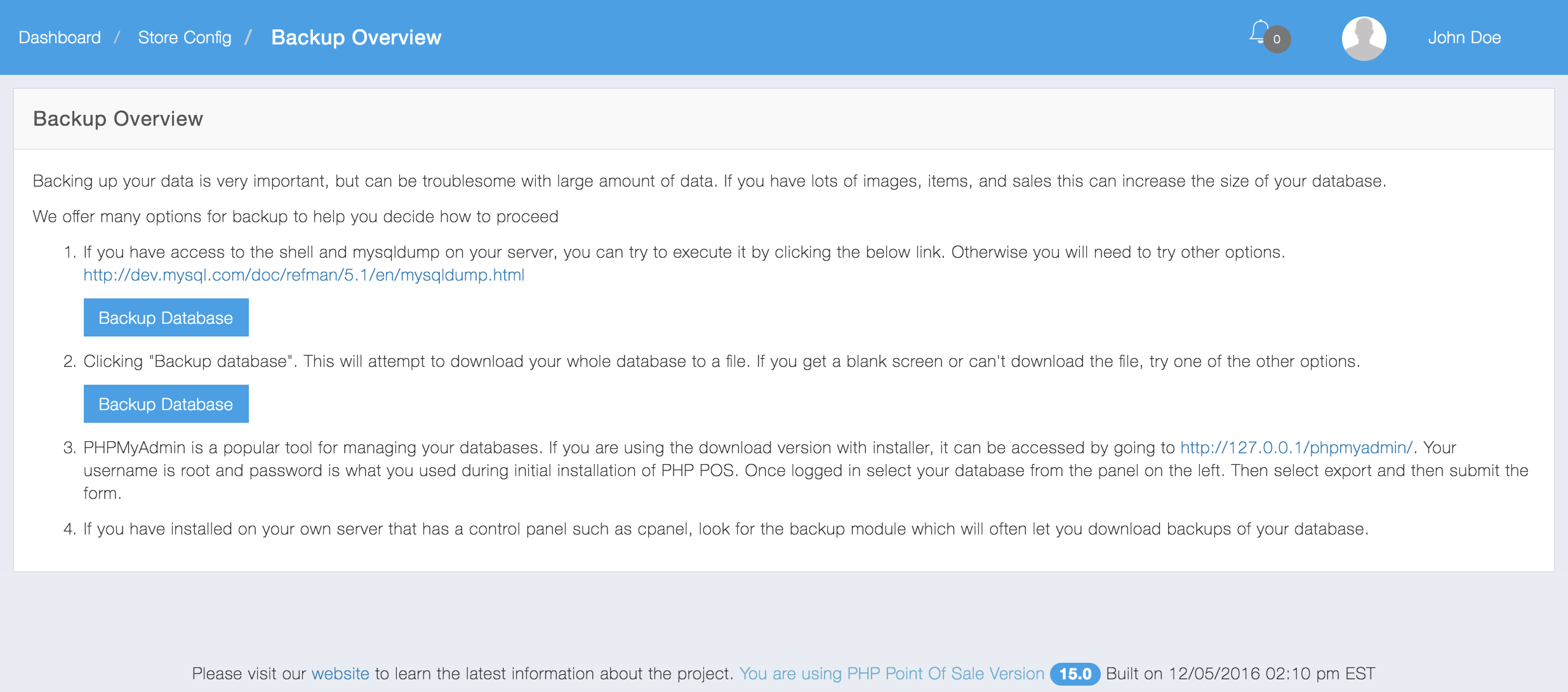
2: Select Backup Database

3: Follow the instructions on Backup Overview. NOTE: It is highly recommend to use option 1 unless it gives you a failure.
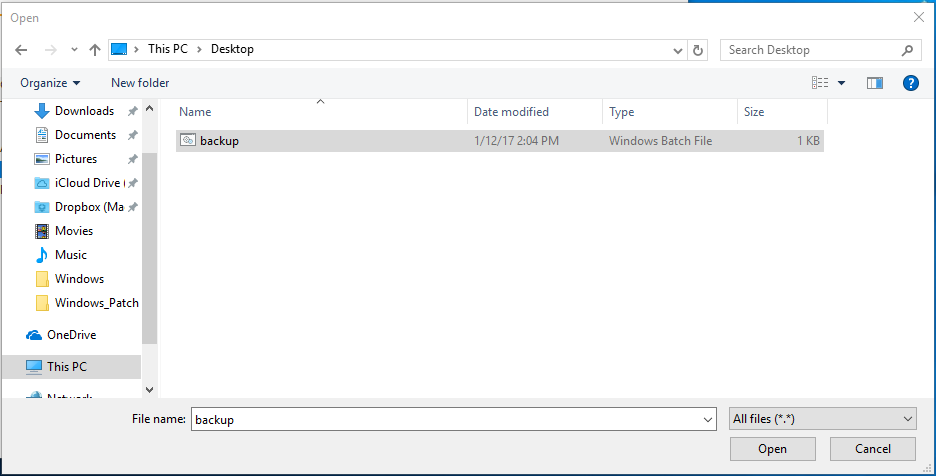
C:\NexPos\mysql\bin\mysqldump.exe -u bn_nexpos -pPASSWORDNOSPACES bitnami_nexpos > C:\Users\Administrator\Desktop\backup.sql
you can edit the last part of this file to the location you want the backup to be outputted. for this example we used “C:\Users\Administrator\Desktop\backup.sql”
In the .bat file replace -pPASSWORDNOSPACES
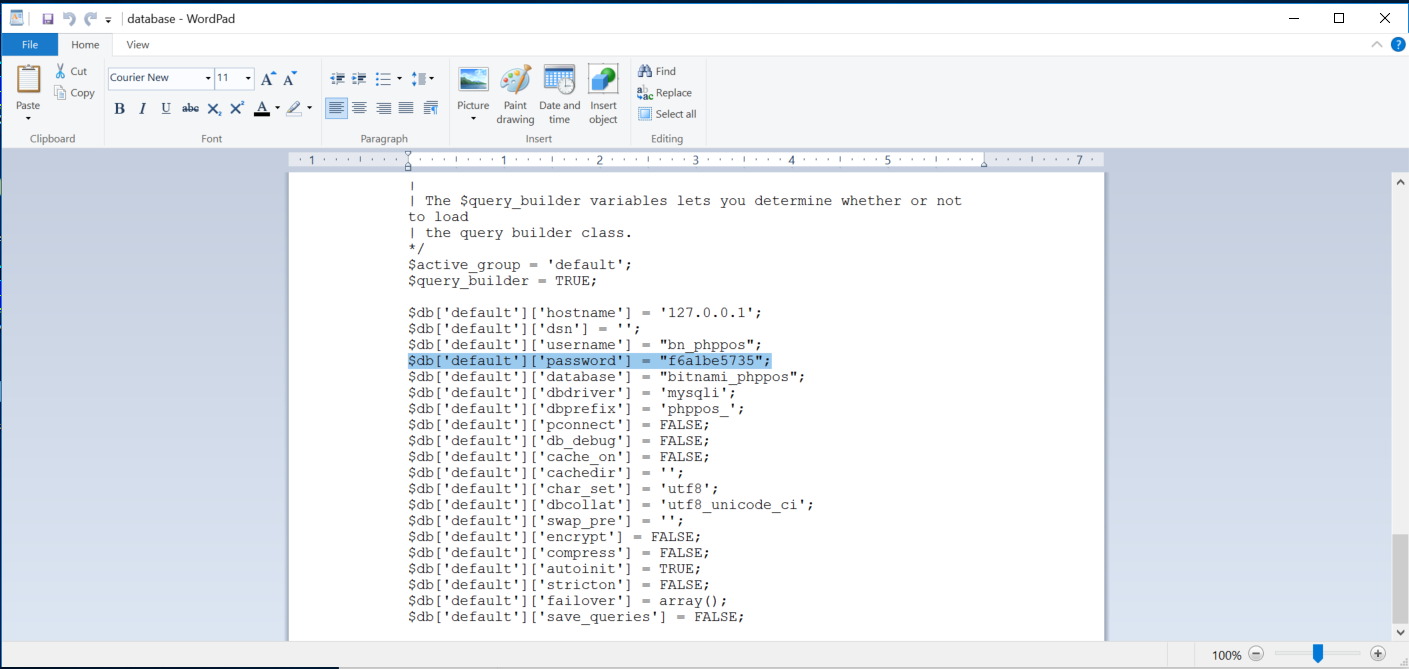
with the password found in “c:/nexpos/apps/nexpos/htdocs/application/config/database.php”
for the below example:
it would be
“-pf6a1be5735”
Example:
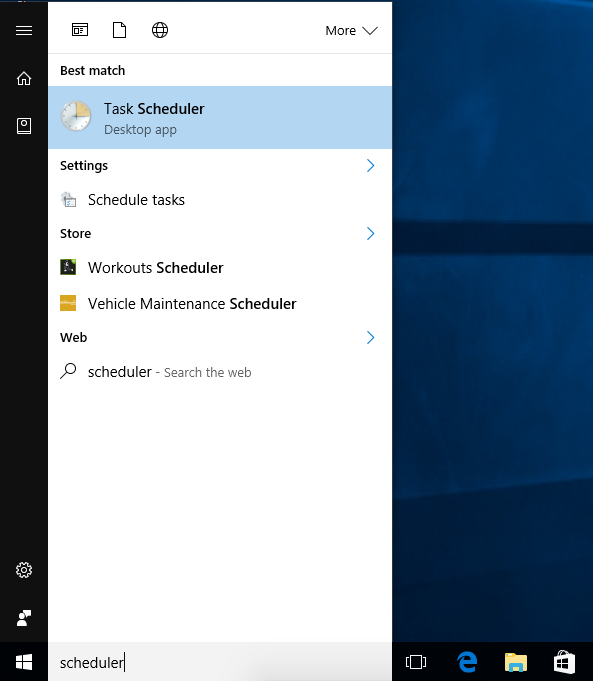
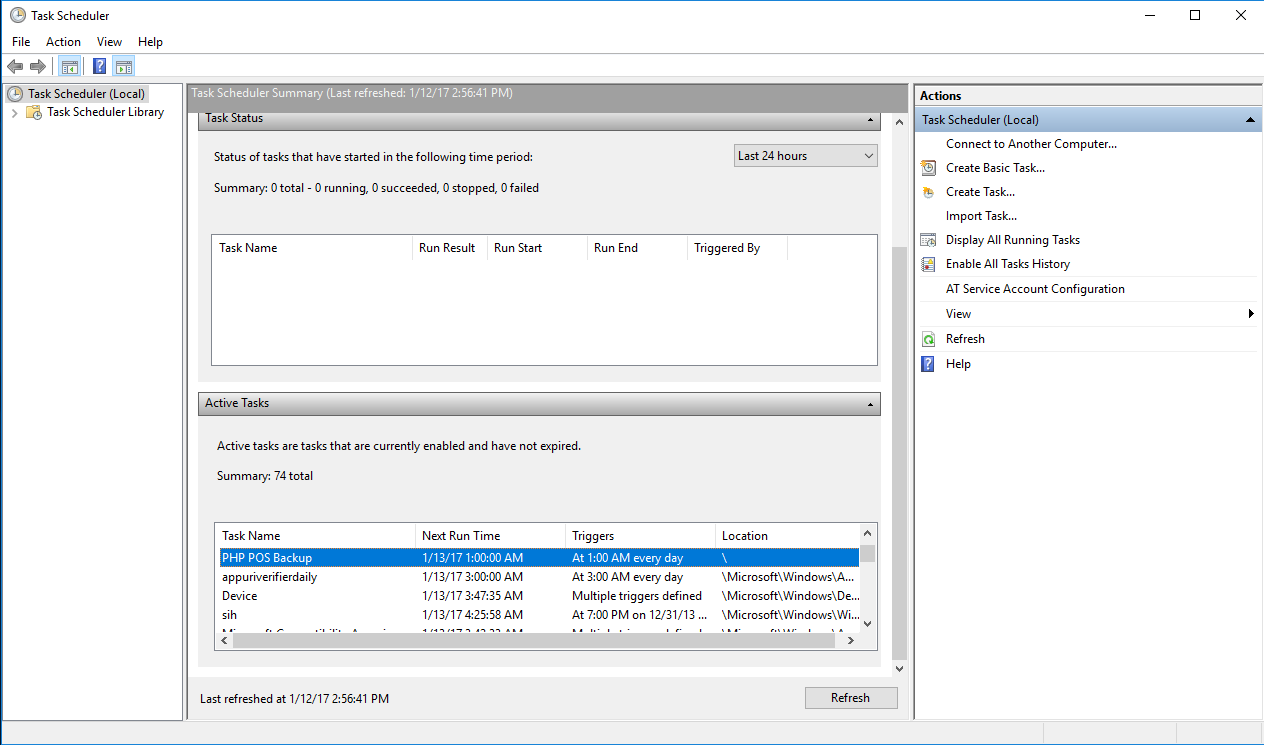
Task Scheduler
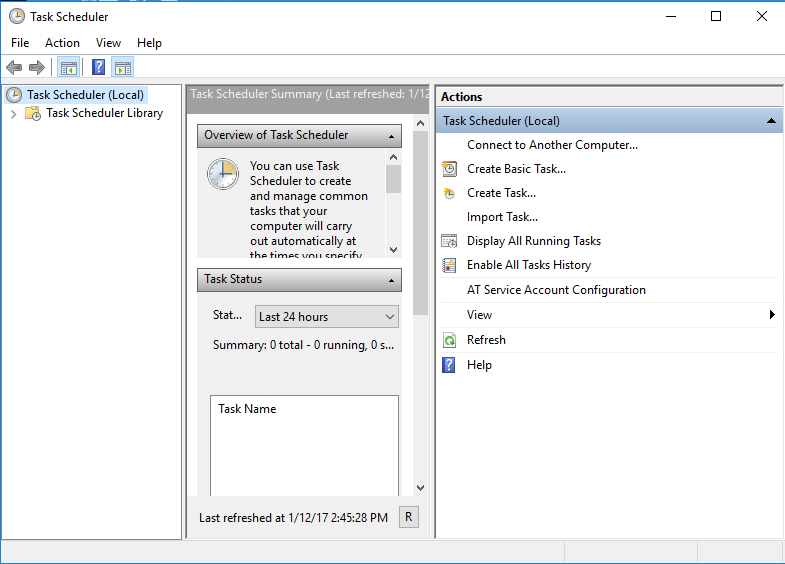
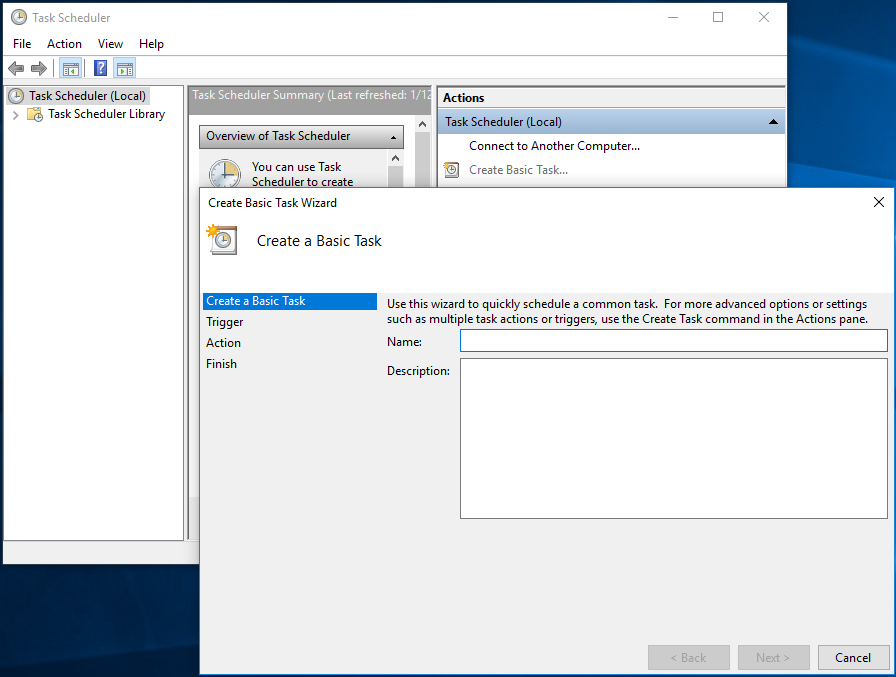
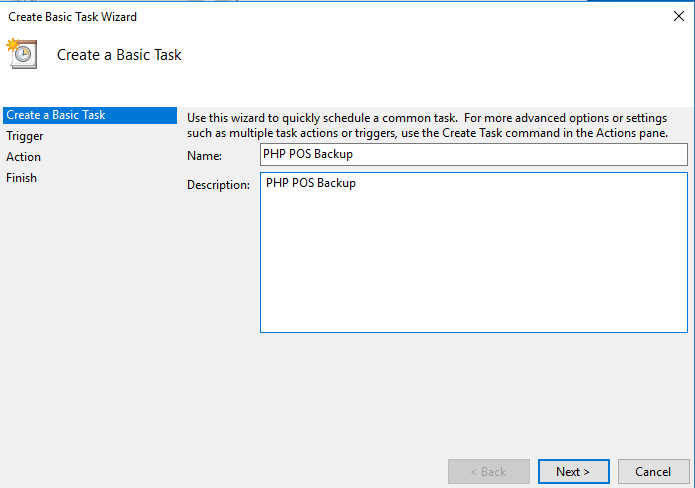
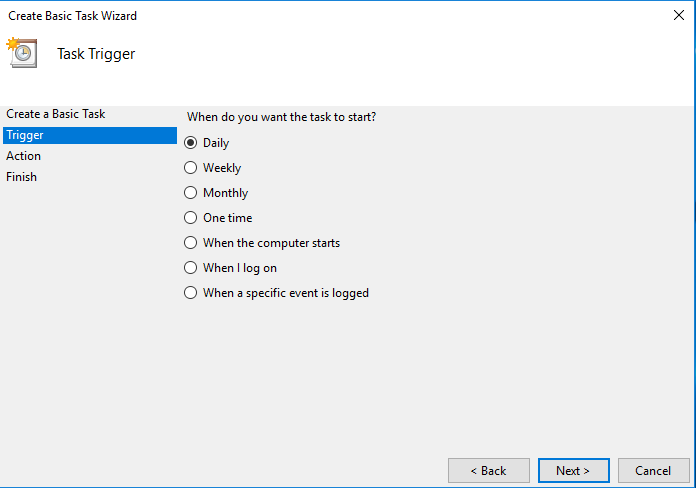
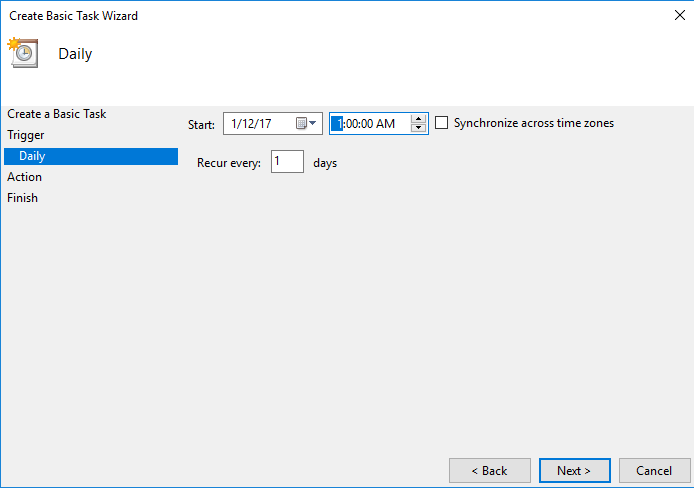
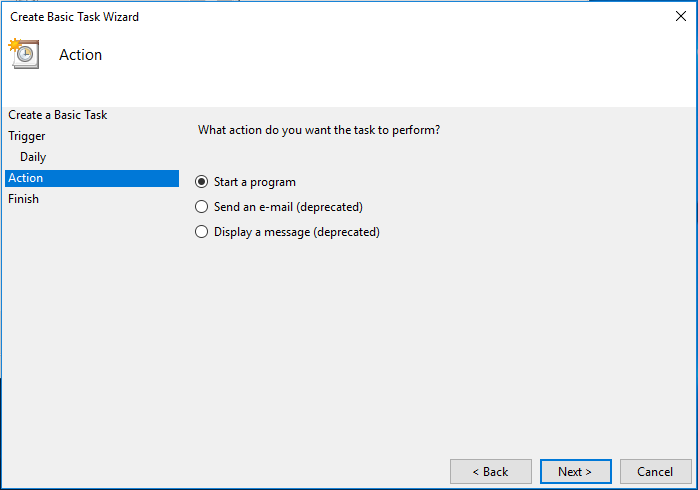
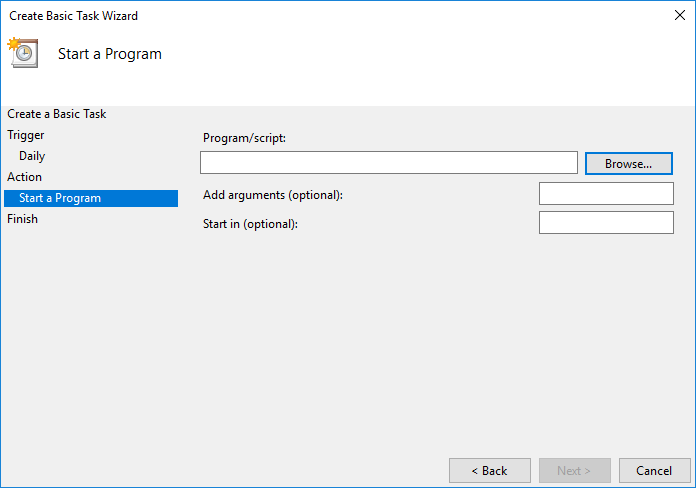
under “actions” click “create basic task”