This is for new installs ONLY
If you are upgrading NexPos from a previous version follow the instructions at Upgrading PHP Point Of Sale (Manual Install)

PHP Point Of Sale must be installed on a server that has the following software installed.
SoapClient (if using Mercury/Vantiv credit card processing)
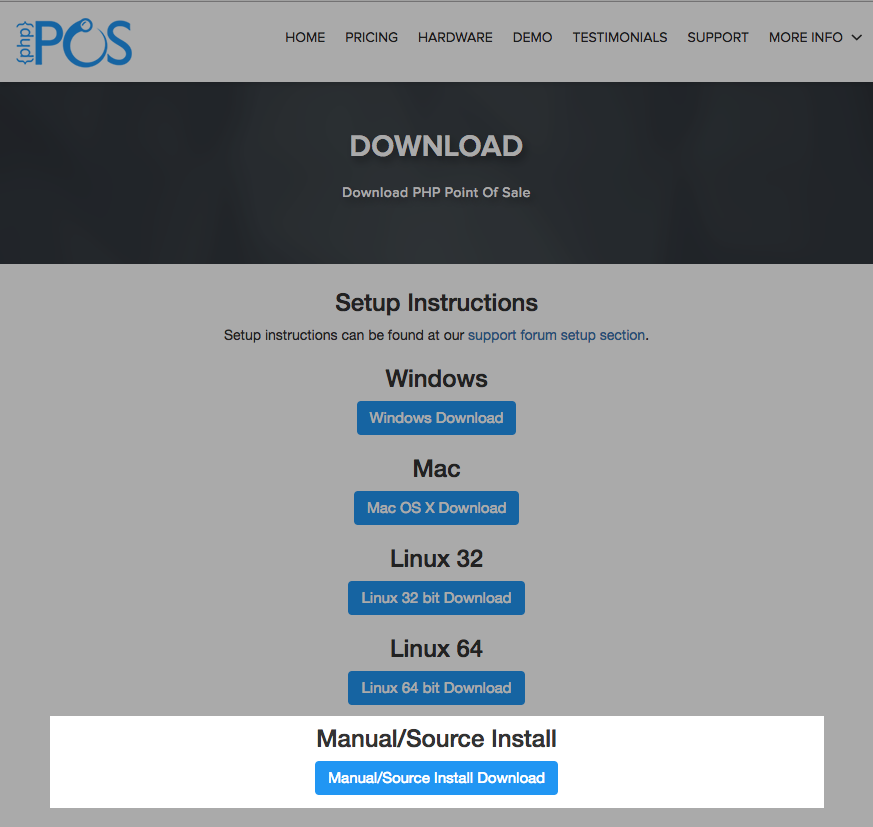
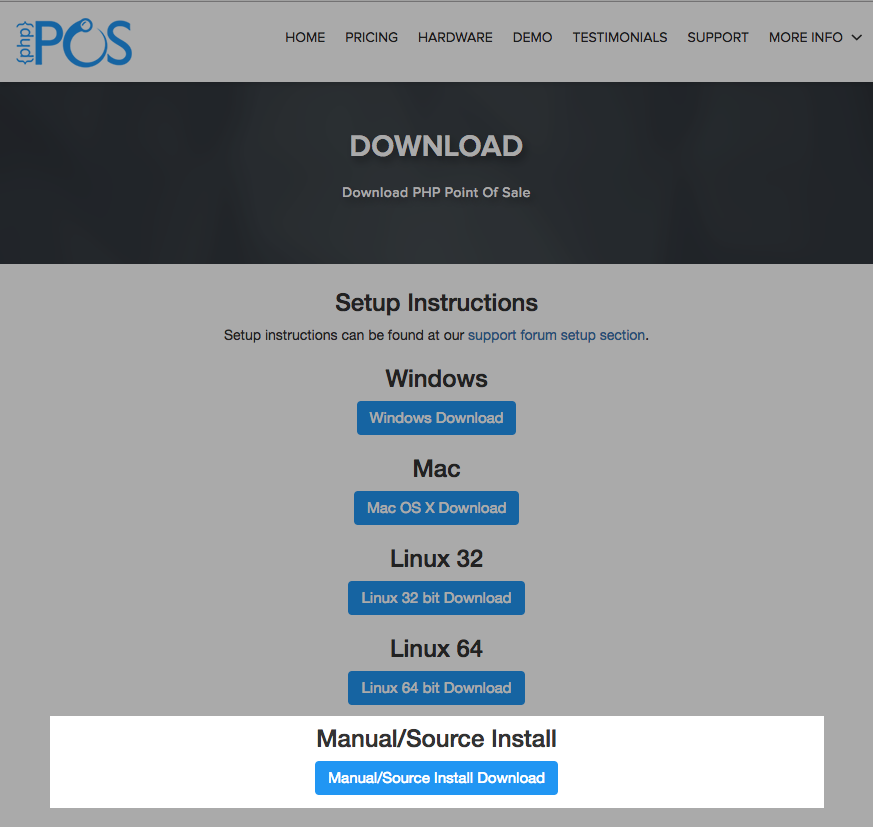
download the Manual/Source Install (.zip) version:
Below are the instructions for creating a database and database user for the application. Most servers provided by hosting companies provide access to cPanel. If so you should follow the instructions for cPanel.
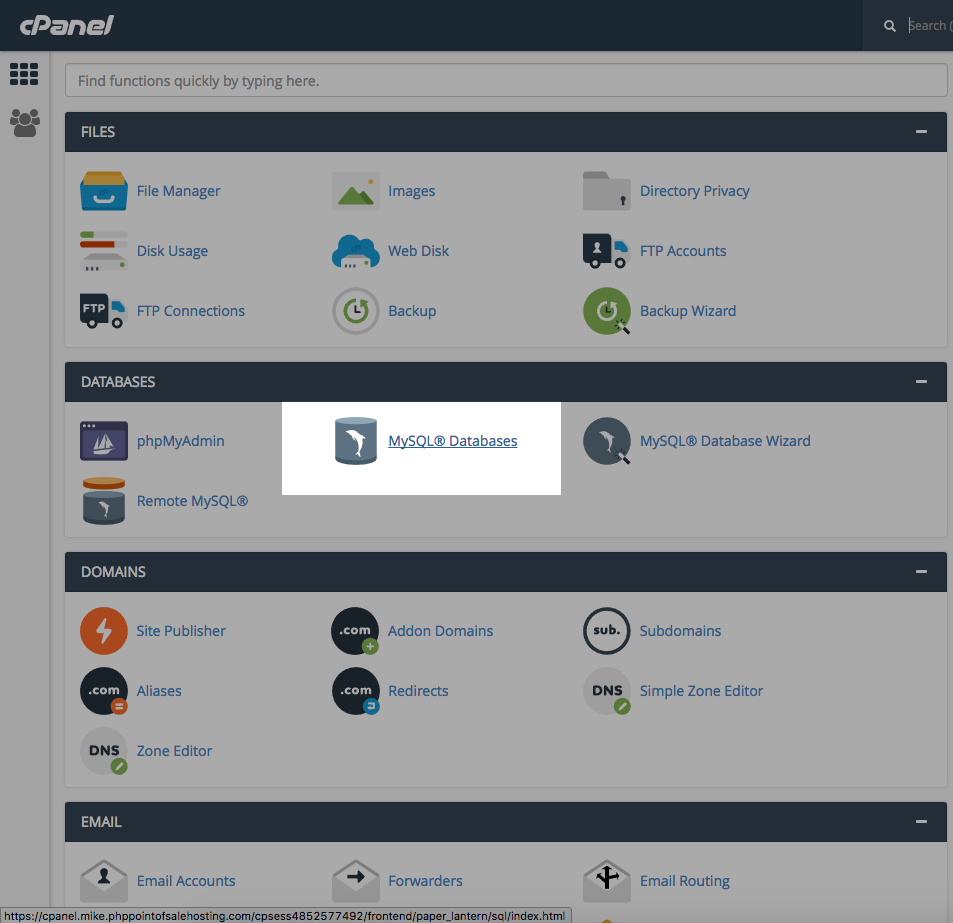
Open “mySQL Databases”
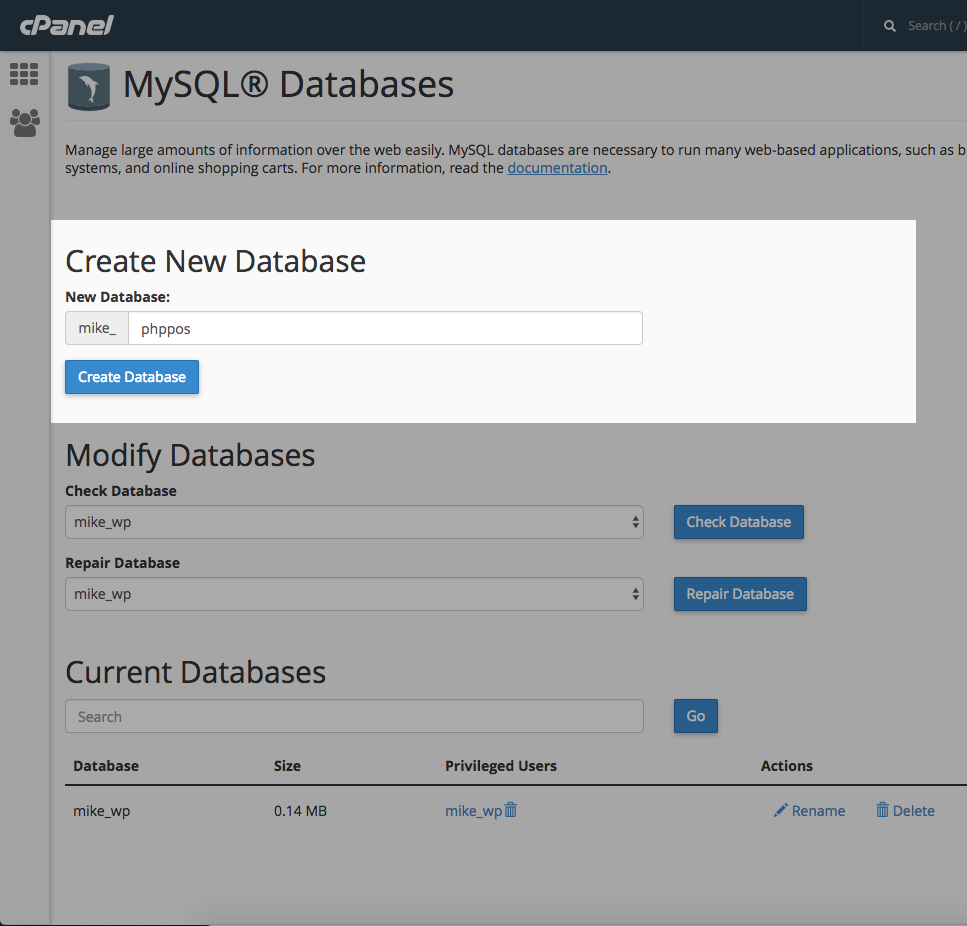
Create Database
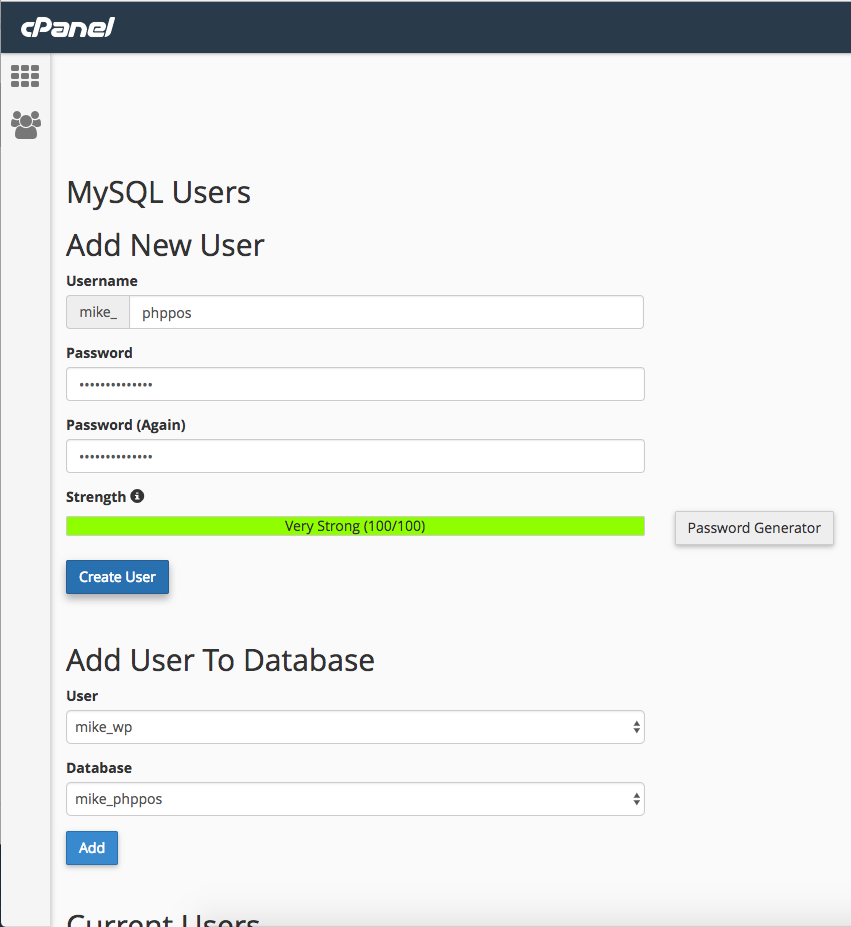
Add a New User
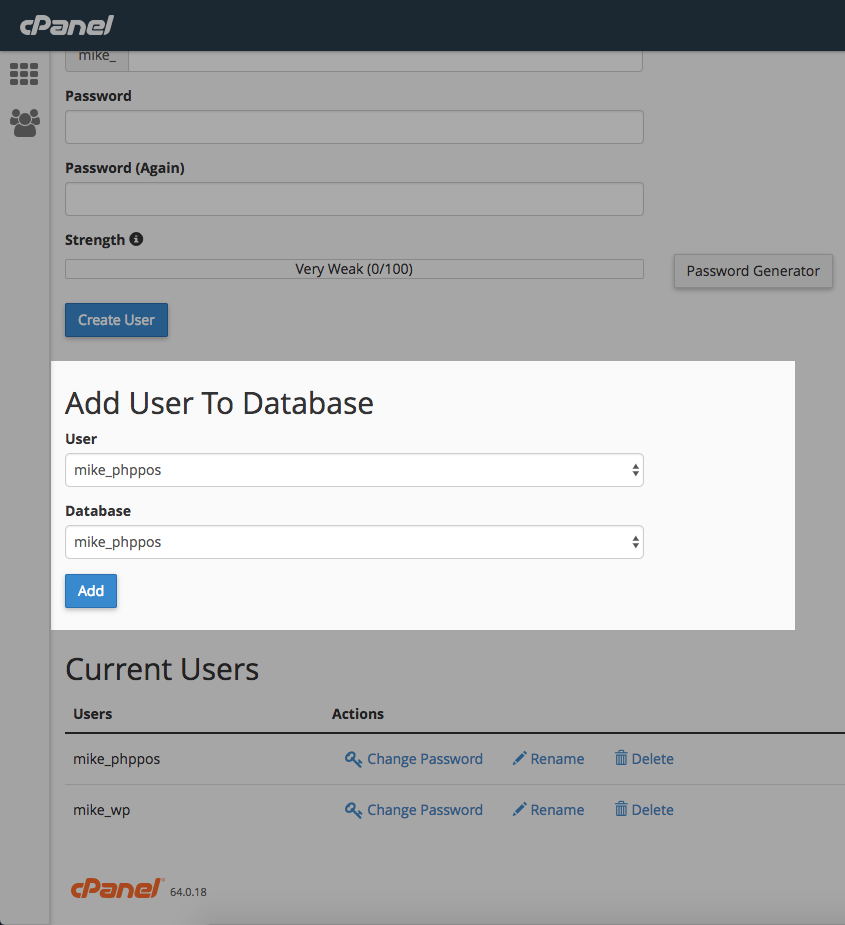
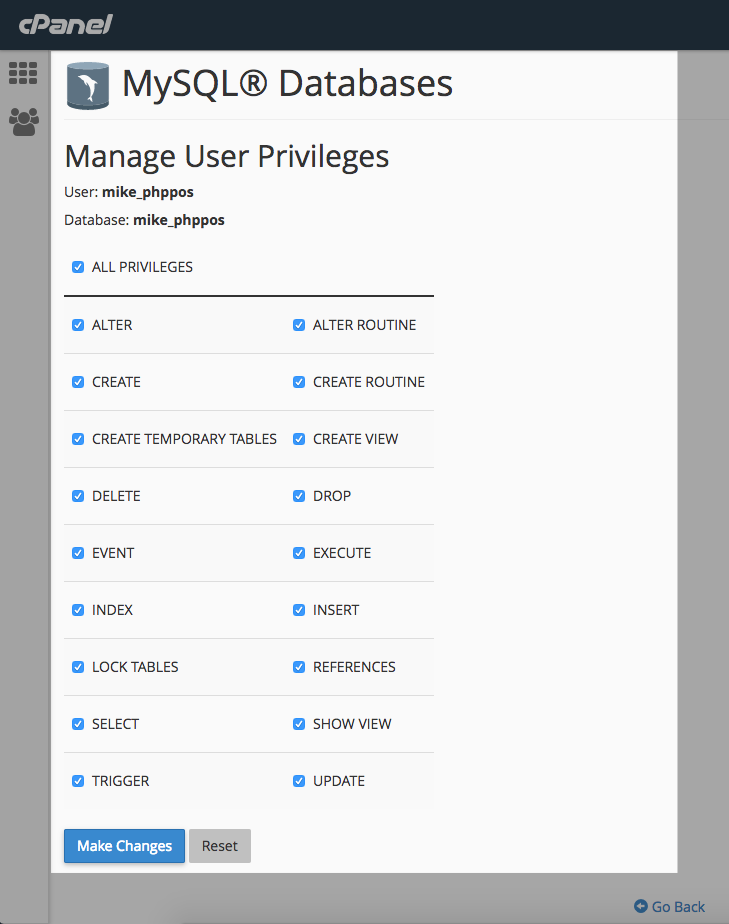
Add User to Database
Enter your email address and a link to the following page should be sent to your email if you cannot find the original:
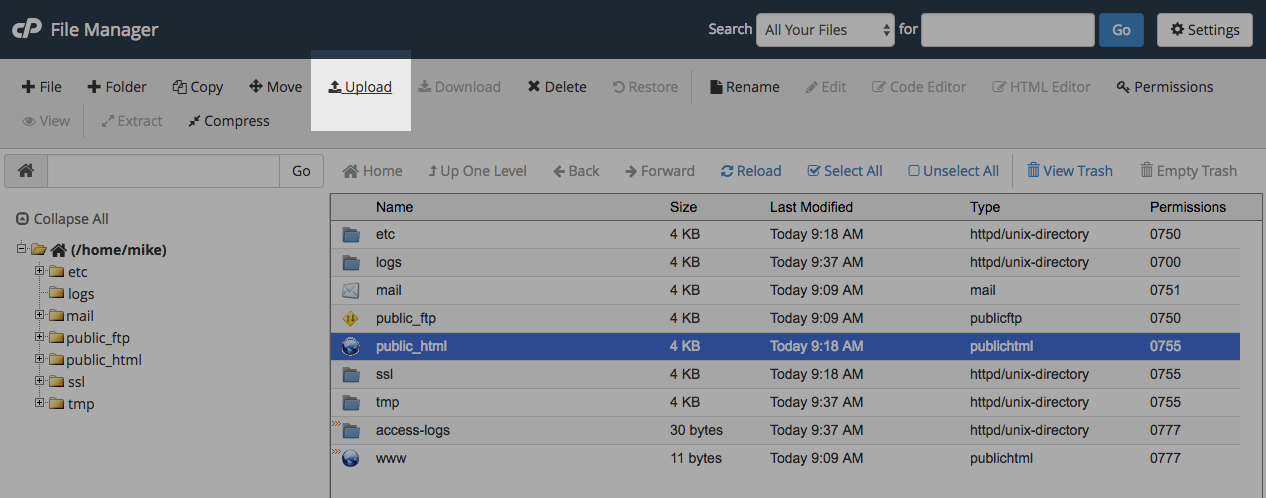
Upload the .zip file
Once the upload is finished you should see this:
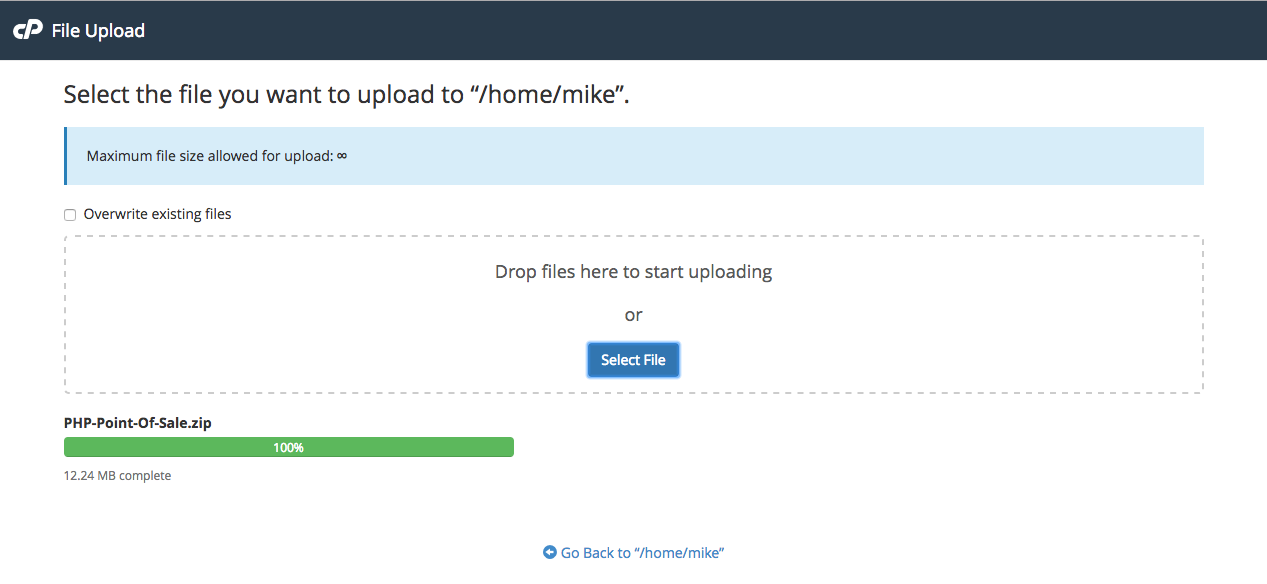
Upload finished, go back.
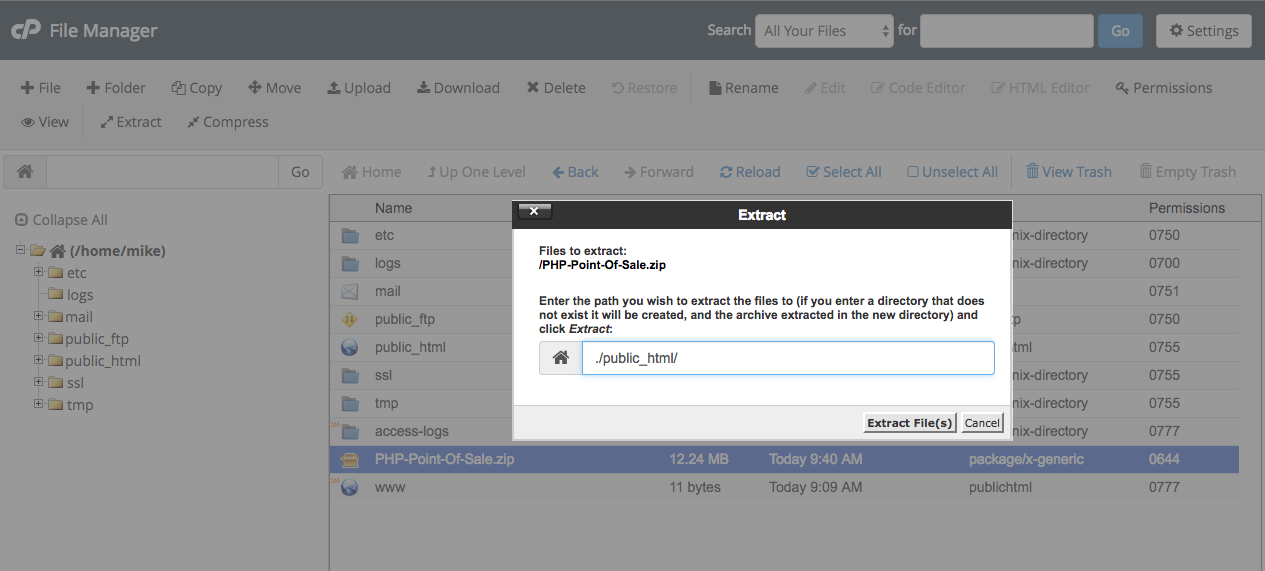
Extract the file to the public_html folder or “webroot”
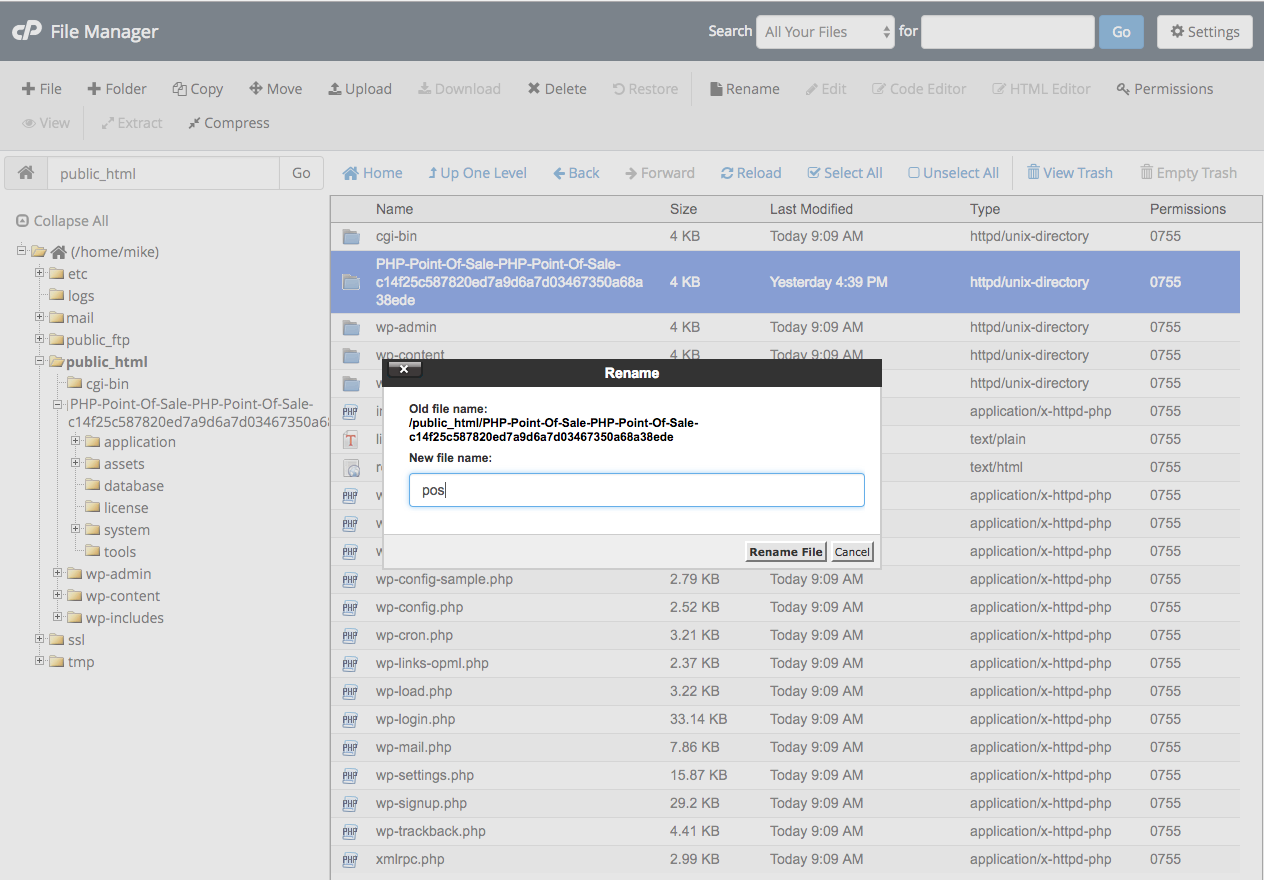
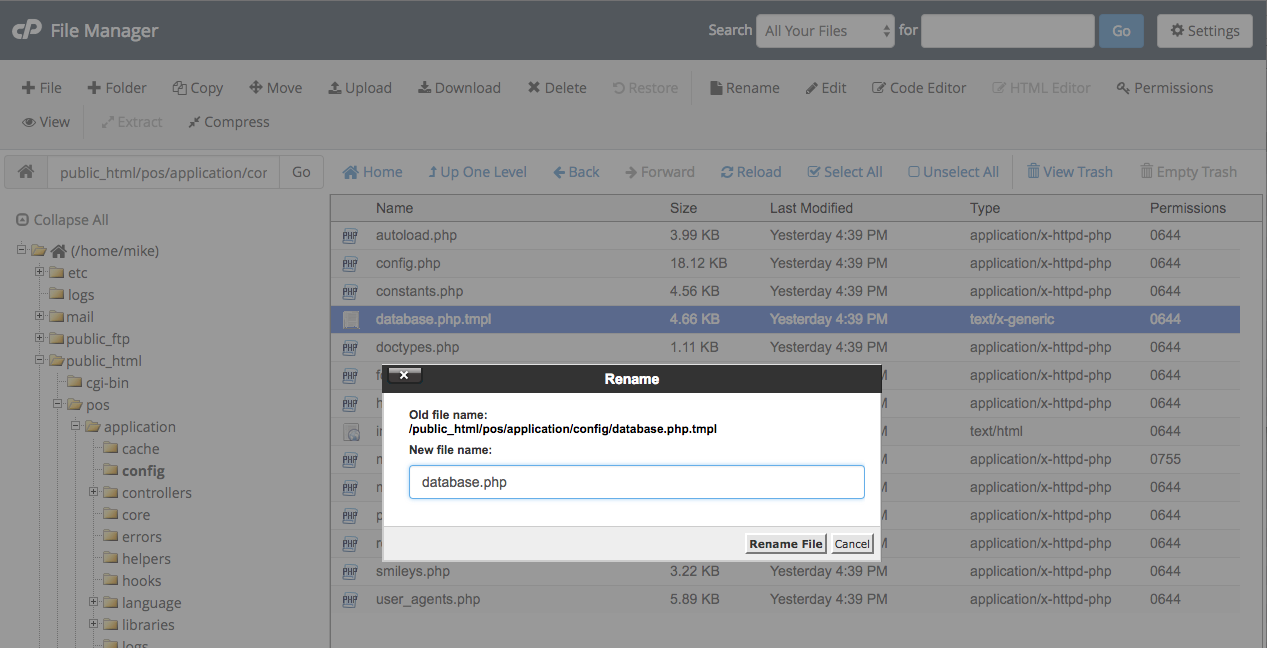
rename database.php.tmpl to database.php
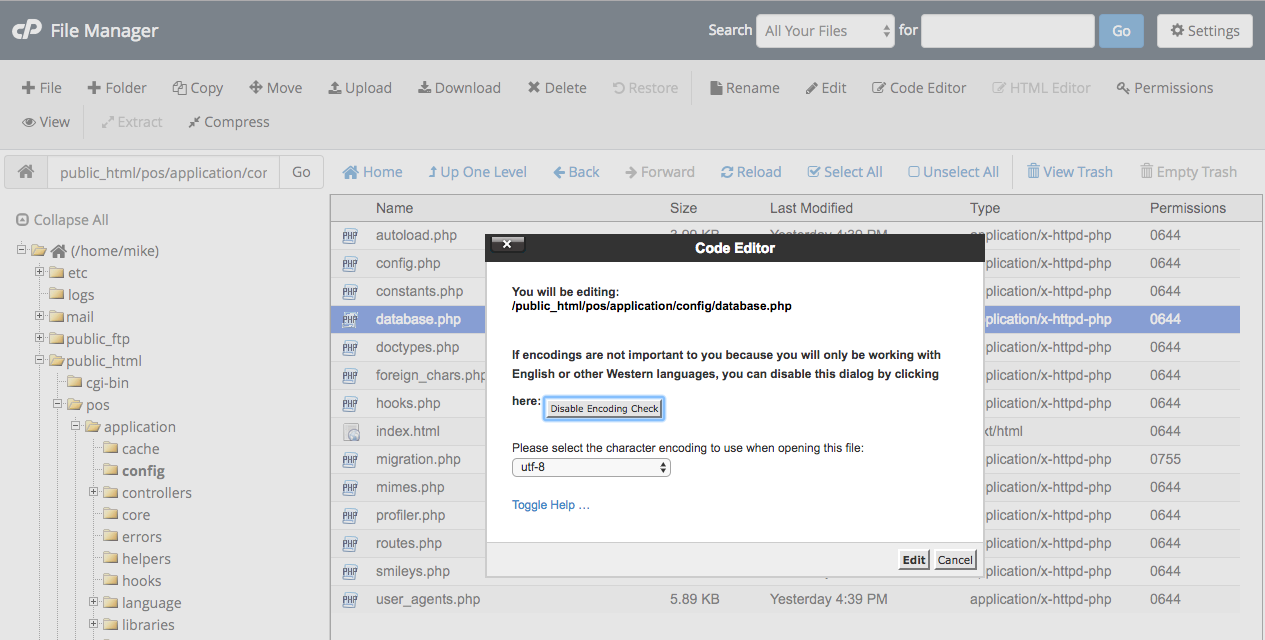
Edit database.php
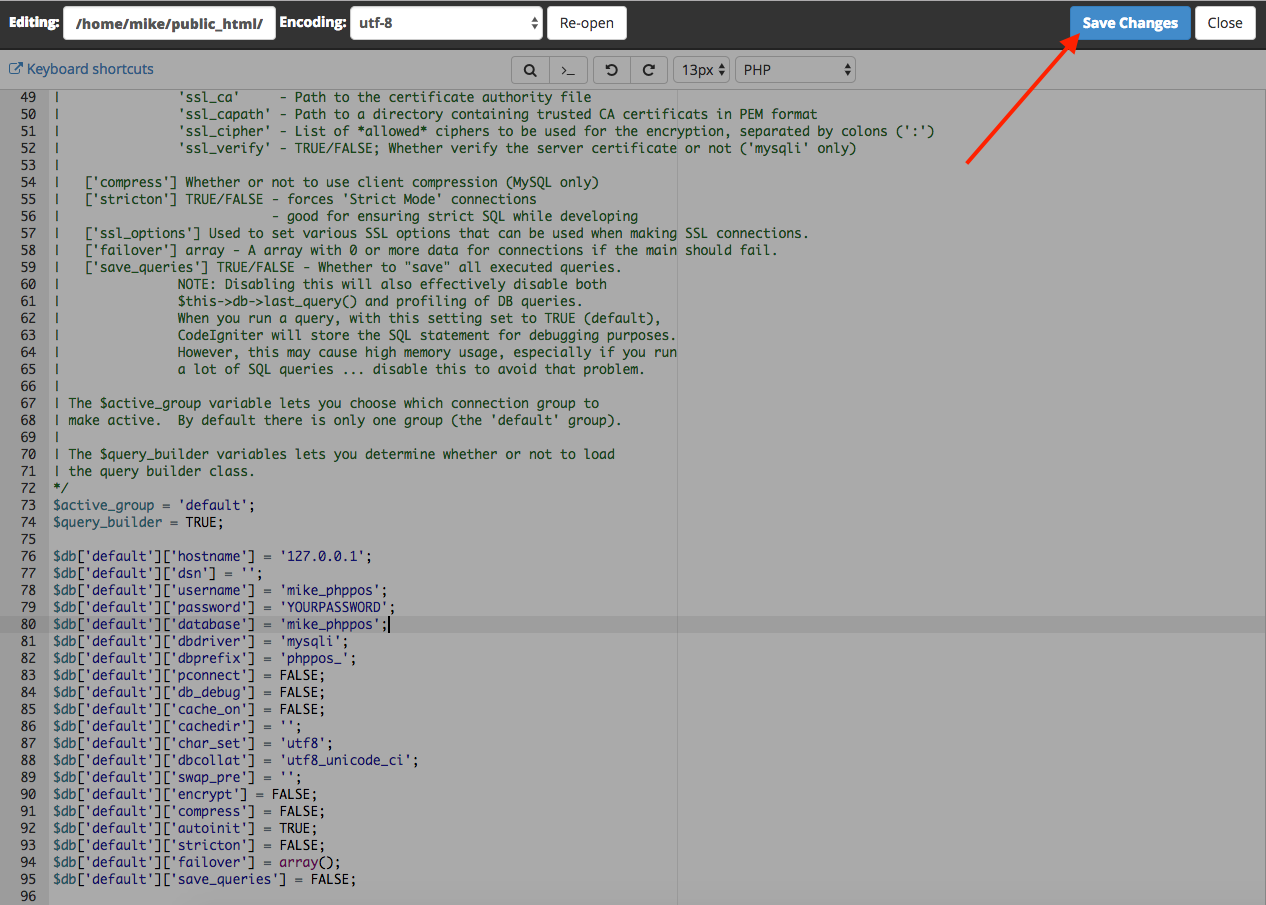
12: Edit the following lines below the //comments
$active_group = "default";
$query_builder = TRUE;
//1. This should be your db server name; usually localhost or 127.0.0.1
$db['default']['hostname'] = 'localhost';
$db['default']['dsn'] = '';
// 2. Enter your database username you created
$db['default']['username'] = 'mike_nexpos';
//3. Enter your database password you created
$db['default']['password'] = 'YOURPASSWORD';
//4. Enter your database name you created
$db['default']['database'] = 'mike_nexpos';
$db['default']['dbdriver'] = 'mysqli';
$db['default']['dbprefix'] = 'nexpos_';
$db['default']['pconnect'] = FALSE;
$db['default']['db_debug'] = FALSE;
$db['default']['cache_on'] = FALSE;
$db['default']['cachedir'] = '';
$db['default']['char_set'] = 'utf8';
$db['default']['dbcollat'] = 'utf8_general_ci';
Save the changes we made!
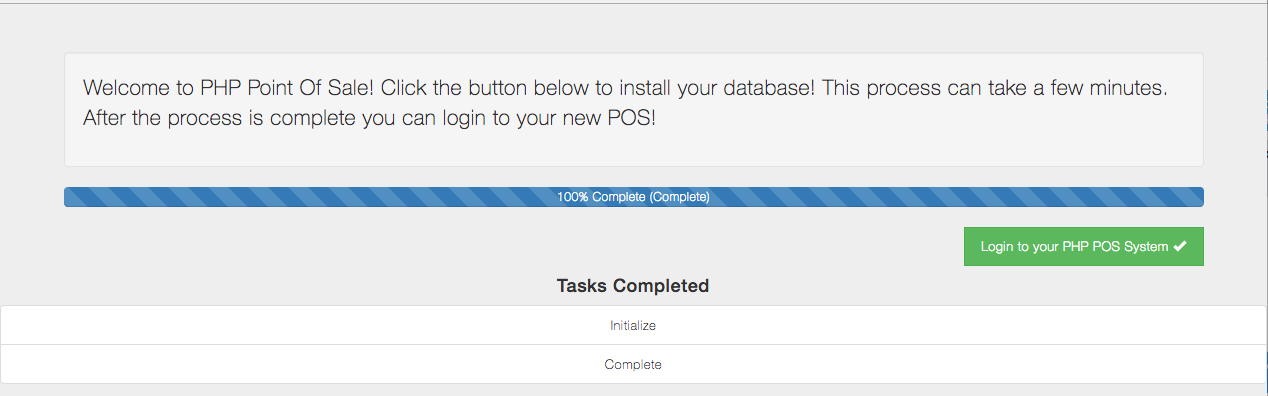
Inital installation complete, click on Login
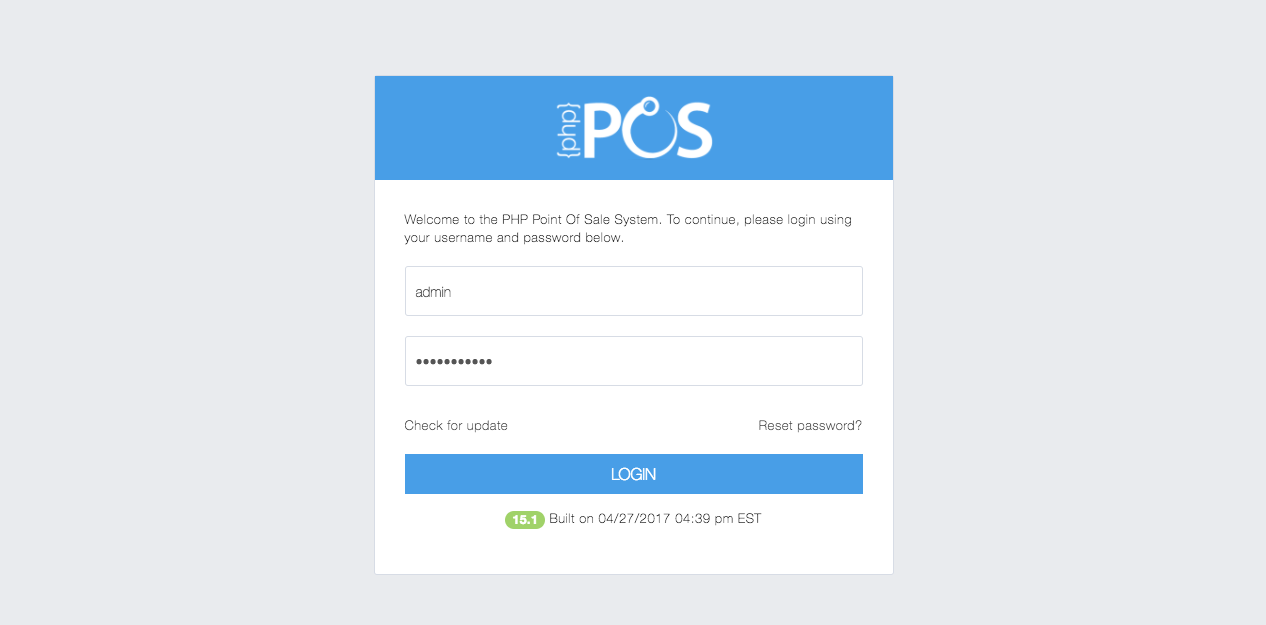
Login with:
username: admin
password: pointofsale
make sure to change the password later!
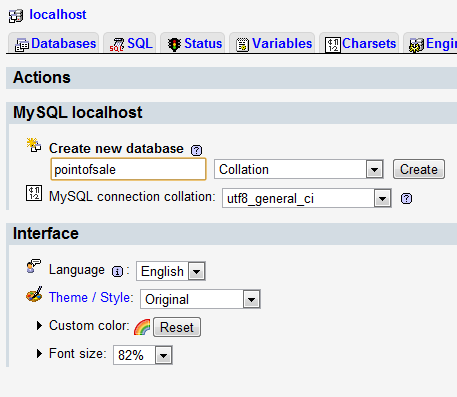
Creating a database in phpMyAdmin
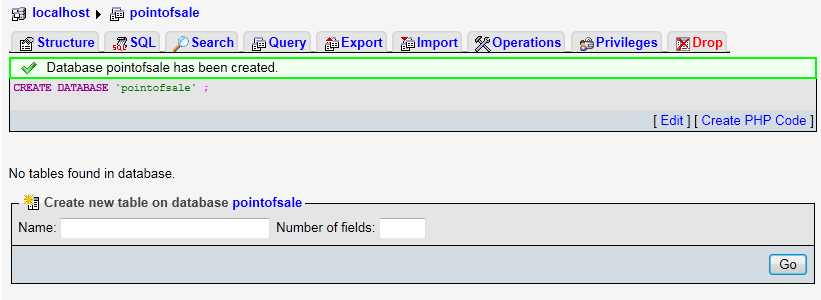
Created a database
Configuring the database
Scroll down to the bottom of the file where you see the below. Edit all lines in with comments below to match your database configuration. Do NOT change any other lines.
$active_group = "default";
$query_builder = TRUE;
//This should be your db server name; usually localhost
$db['default']['hostname'] = 'localhost';
$db['default']['dsn'] = '';
//This is your database username
$db['default']['username'] = 'root';
//This is your database password
$db['default']['password'] = '';
//This is your database name
$db['default']['database'] = 'pointofsale';
$db['default']['dbdriver'] = 'mysqli';
$db['default']['dbprefix'] = 'nexpos_';
$db['default']['pconnect'] = FALSE;
$db['default']['db_debug'] = FALSE;
$db['default']['cache_on'] = FALSE;
$db['default']['cachedir'] = '';
$db['default']['char_set'] = 'utf8';
$db['default']['dbcollat'] = 'utf8_general_ci';
Then save the “database.php” file. If it doesn’t allow saving, save it to desktop, then replace the file with the existing one.
After configuring the files, simply copy all the files to your web server!
point your browser to http://yourserver.com/PATH/TO/NexPos and follow the on screen steps
The default username is “admin” and the default password is “pointofsale“