
To create and manage locations to add to your work order, click Store Config in the left menu.
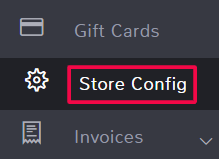
Scroll down and click on the Work order section.
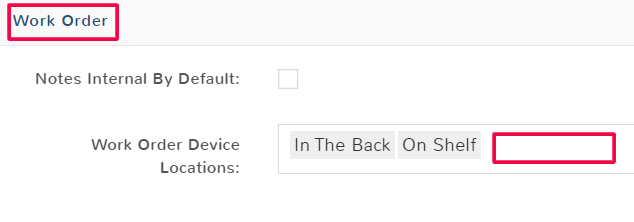
Type a location name in the Work Order Device Locations field and then hit Enter to add it. You can add multiple locatins. To remove a location just hit the Backspace on your keyboard.
When you’re done click Save to keep your changes.