Mercury/Vantiv Hosted Checkout
800-846-4472 (Sales & Service)
866-622-2390 (Tech Support)

Mercury/Vantiv has an Online Portal for you to manage your account. You will need to set this account up, generate a password, and enter it in the NexPos system settings.
Your online account will also be your portal to real-time access to your statements, transactions, customer care, technical support, account settings and tools.
You can:
Mercury/Vantiv will email you a welcome letter.
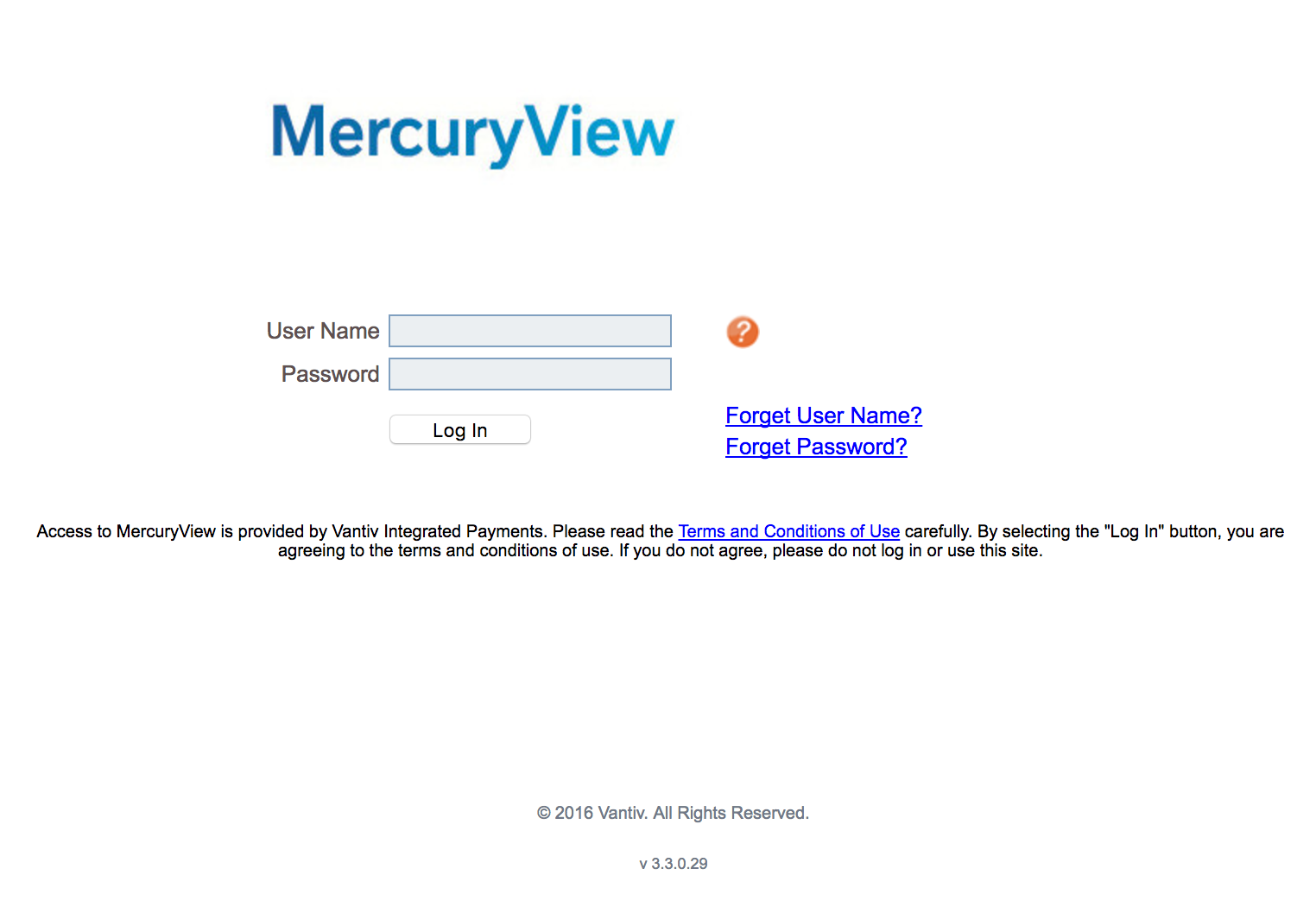
Sign in
User ID: provided in welcome email
Password: you should have received in a separate email.
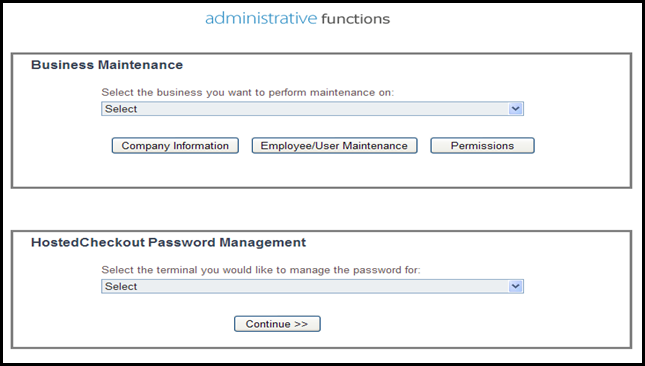
Select “Account Settings”
Under “Hosted Checkout Password Management” select the terminal for which you want to obtain a password and click “Continue.”
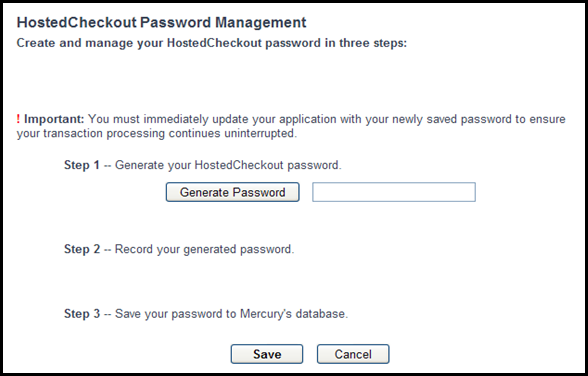
Be sure to click “Save” at the bottom after generating the Hosted Checkout Password
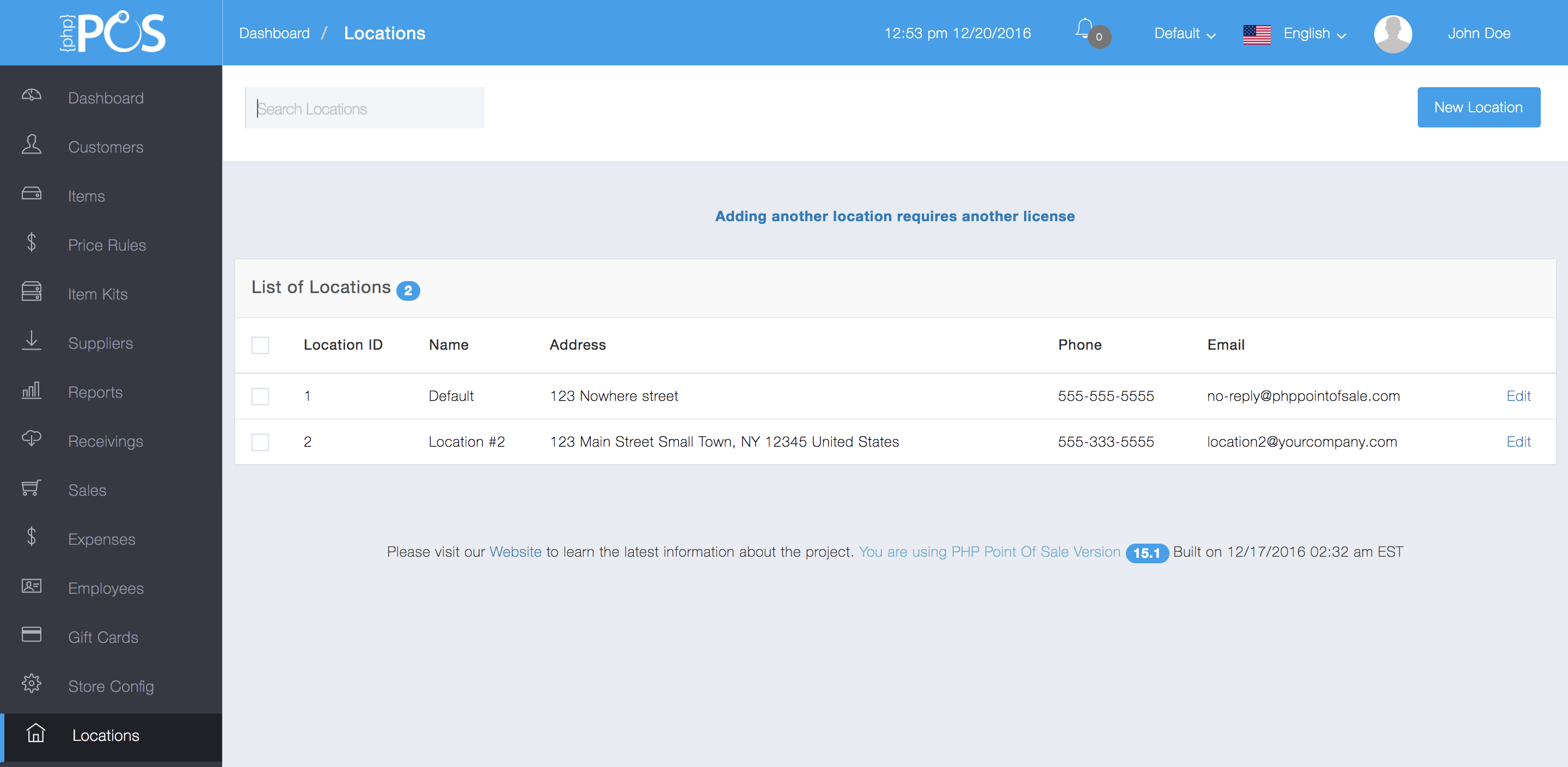
Click “Edit” next to the location
Do the following:
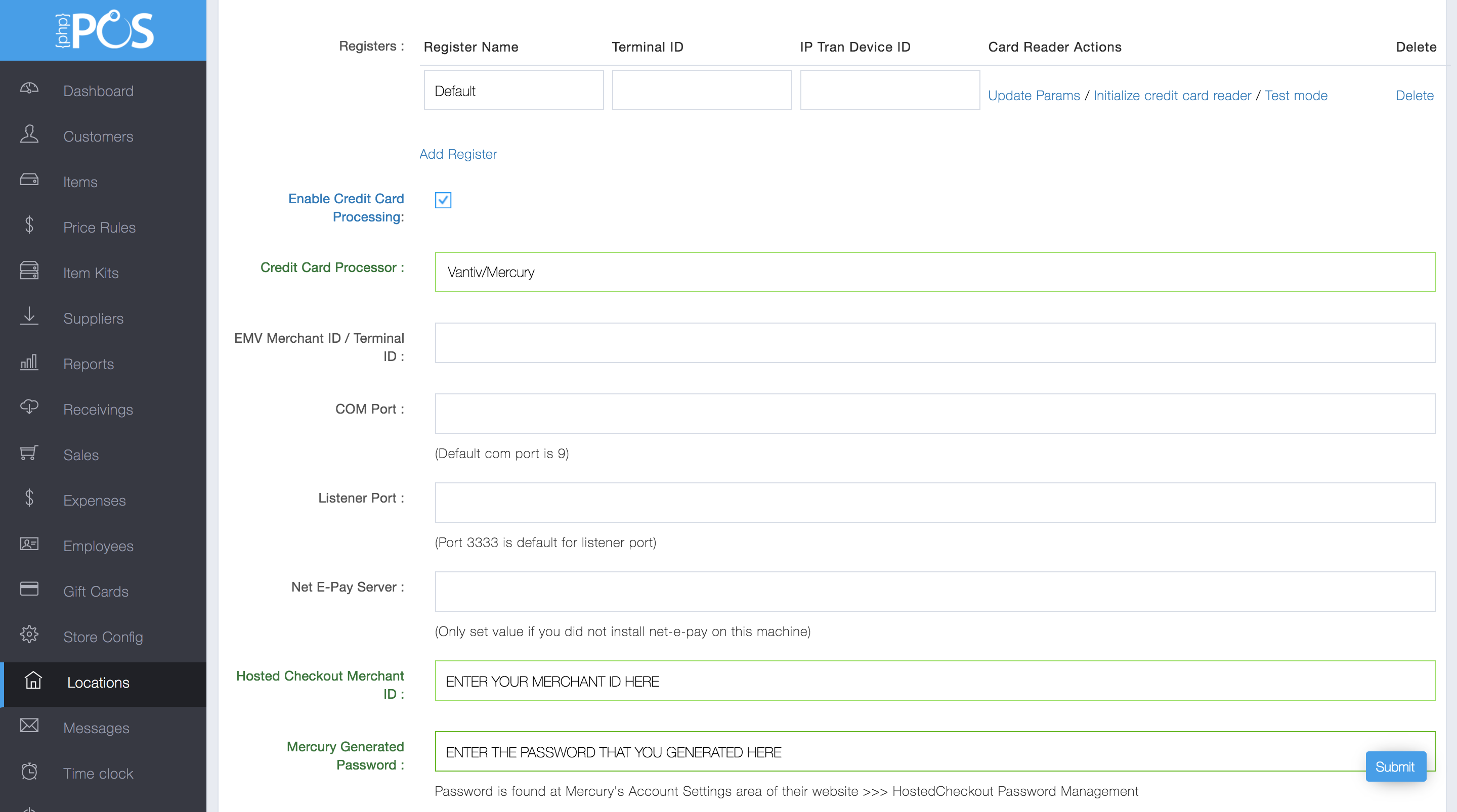
Enter “Merchant ID” and “Generated Password”
You are now ready to process credit card transactions!