Setup of Store Accounts
Store Accounts are used to allow to track supplier’s accounts with the store
To enable this feature to Store Config/Setting and check the box “Supplier Store Accounts:”

Store Accounts are used to allow to track supplier’s accounts with the store
To enable this feature to Store Config/Setting and check the box “Supplier Store Accounts:”
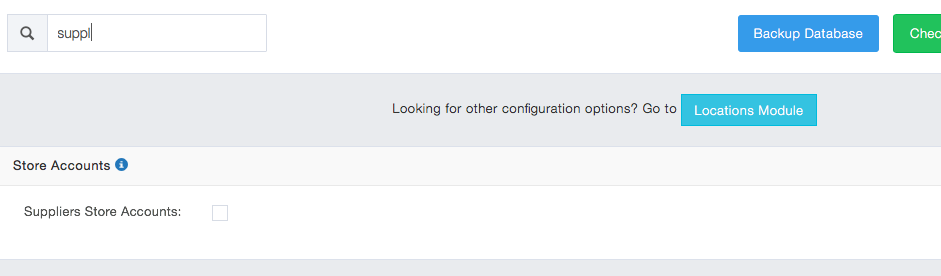
Enable Supplier Store Accounts Setting
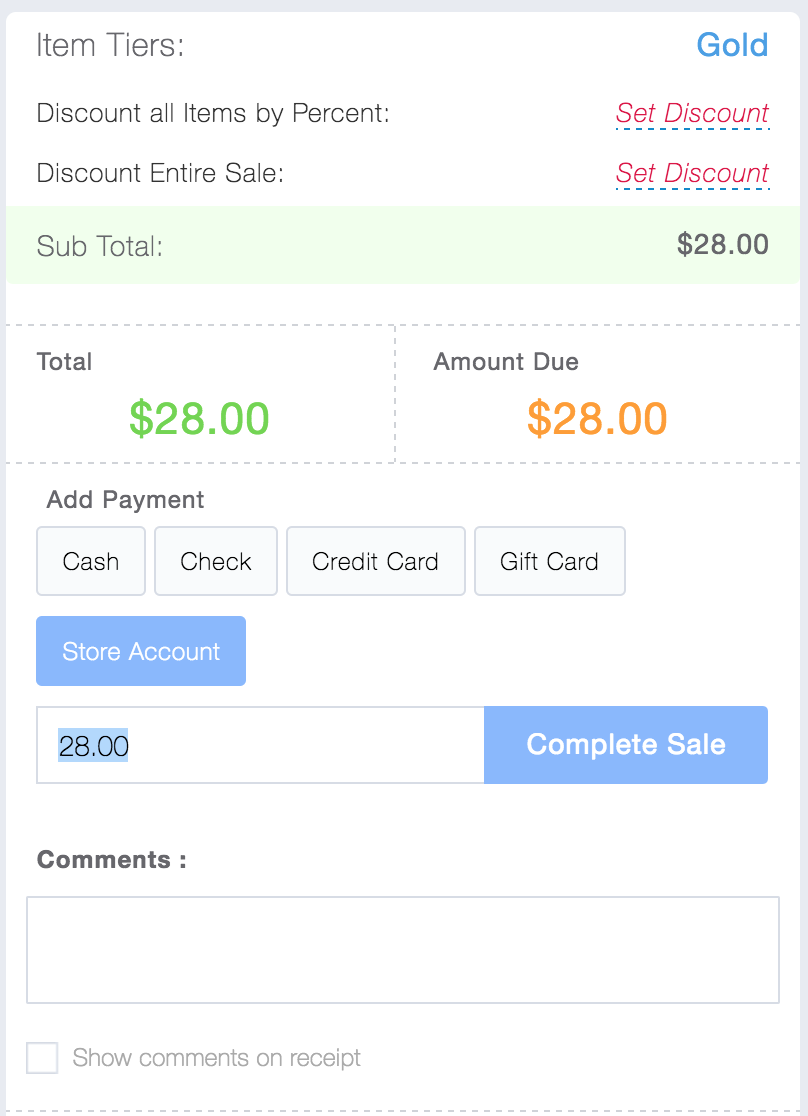
Once enabled a new payment method “Store Account” is added to the payment list in the receivings module:
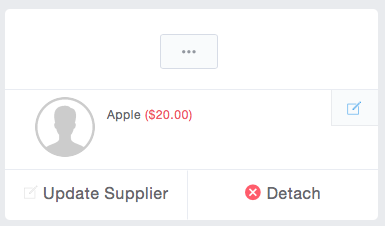
The store account balance will be noted on the supplier attached to a receiving:
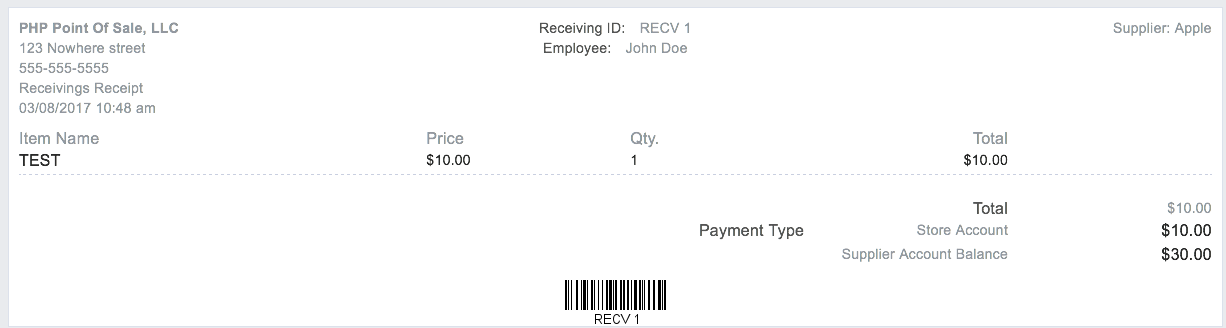
To add a payment to a store account simply add items to a receiving, select a supplier, then add a payment method of store account. After completing the sale their balance will display on the receipt
Store accounts are not any good if you cannot pay down the balance; fortunately paying a store account is easy.
To do this, go to the receivings register and simply the “register mode” to store account and then select a customer. Then enter the payment amount and method and complete the receiving. A receipt will be shown and the balance displayed on the receipt.
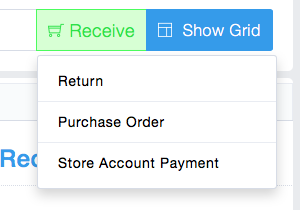
change mode to Store Account Payment
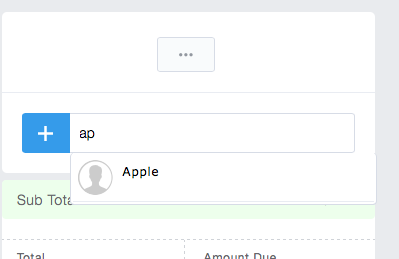
add a Customer
Complete the transaction similarly to how you would with a receiving. Click Pay next to a receiving transaction and then complete receiving.
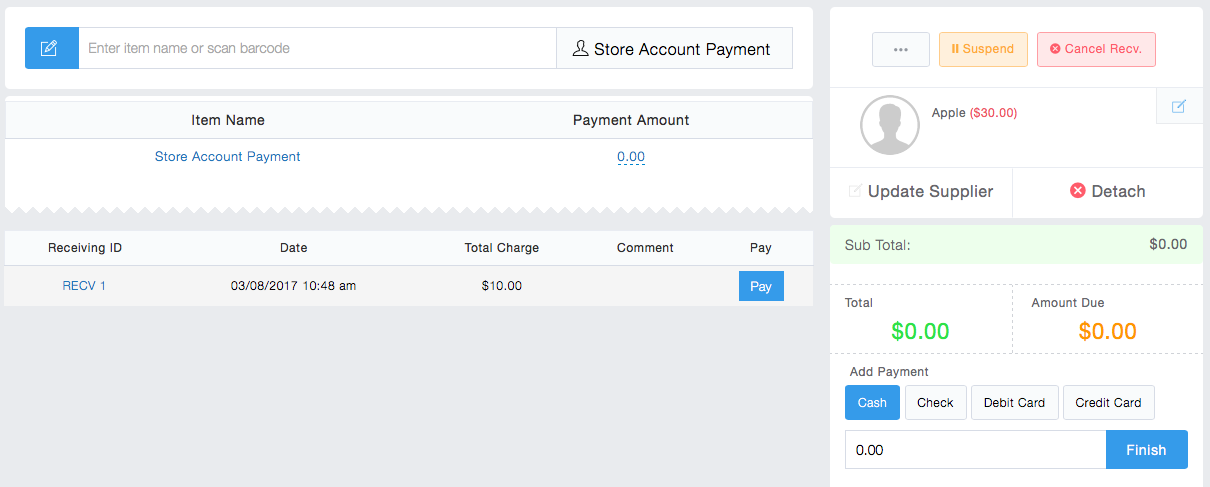
Complete transaction
You can run store account reports just like any other report. There are 3 of them: Detailed, Summary and Statements. These reports are similar to Customer Store Accounts and can be emailed to the Suppliers.